
What can Grok Bot do? Grok Bot has been all over X lately, with people sharing which chores they hand to it. Penchan currently uses it only to watch AI and crypto news, so here are 12 real uses from X. Each comes with the original post and a one-line brief you can adapt, to get you started and spark ideas for your own Bot.
If you haven’t started yet, read What Grok Bot is and how to start first.
| # | Use | How often | What needs your approval |
|---|---|---|---|
| 1 | Inbox triage, reply drafts | 1 to 3 times a day | Sending |
| 2 | One-page morning brief | Every morning | None |
| 3 | Haggling with customer support | Monthly | Canceling, paying |
| 4 | Booking flights, rental cars, parking | As needed | Paying |
| 5 | Pulling the key points from school notices | Daily | None |
| 6 | Organizing files | Weekly | Deleting |
| 7 | Tracking competitors, one table a day | Daily | None |
| 8 | Scheduling a post with one spoken sentence | As needed | Publishing |
| 9 | Turning long articles into audio and video | As needed | Publishing |
| 10 | Walking through a tutorial step by step | After each update | None |
| 11 | Office supply purchasing | As needed | Paying |
| 12 | A main Bot delegating to specialist Bots | Ongoing | Depends on the task |
What Grok Bot Can Do: Everyday Uses
1. Inbox triage, with reply drafts ready
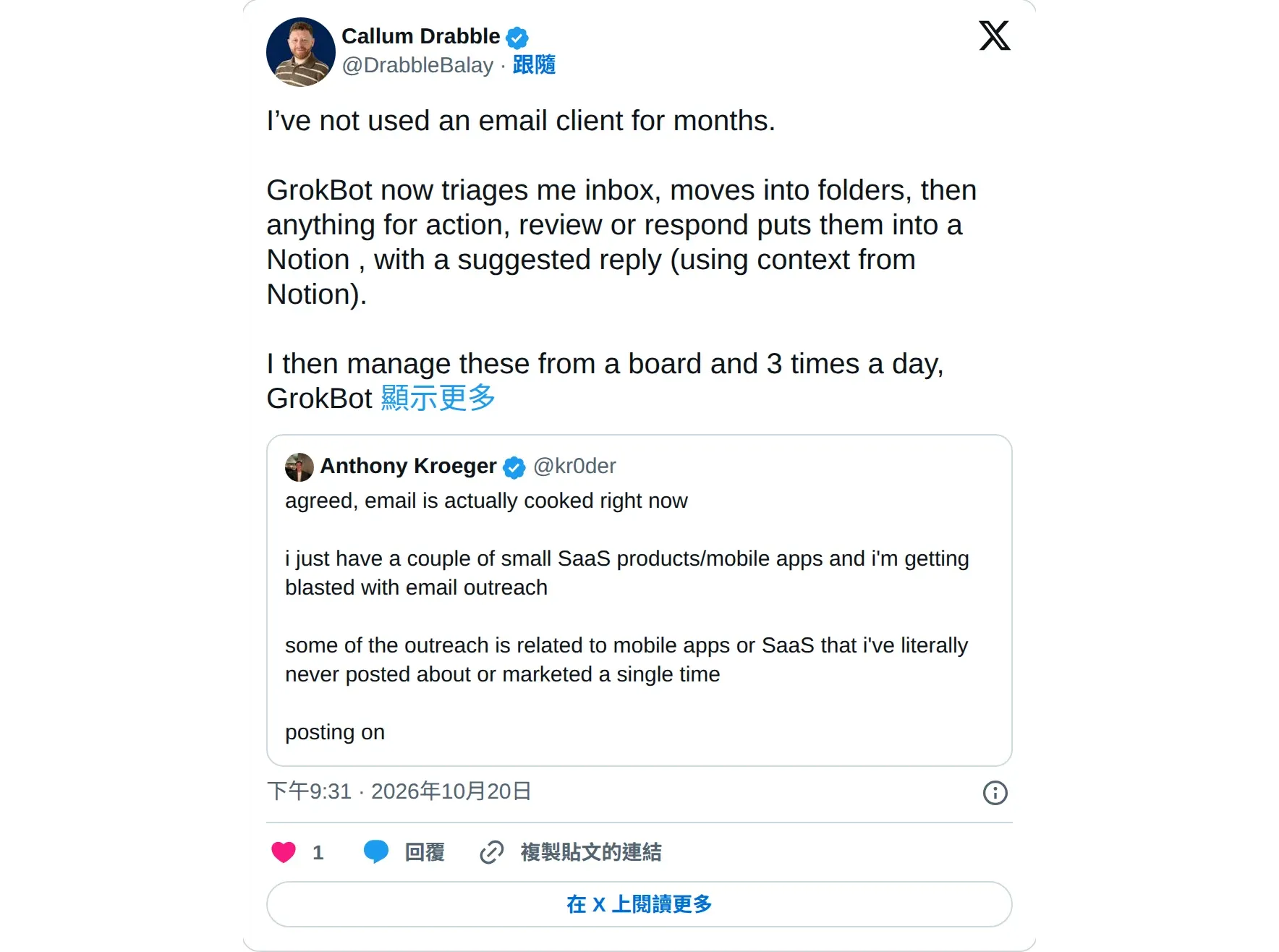
@DrabbleBalay says he hasn’t opened his inbox in months. The Bot sorts mail into folders, puts the ones that need action on a Notion board with a reply draft attached, and he leaves notes on the board. The Bot works through them three times a day.
How to brief it:
Every weekday at 9:00 and 16:00, sort my inbox. Archive newsletters and receipts, and list the emails that need my reply with a draft for each. Do not send any email.2. A one-page morning brief
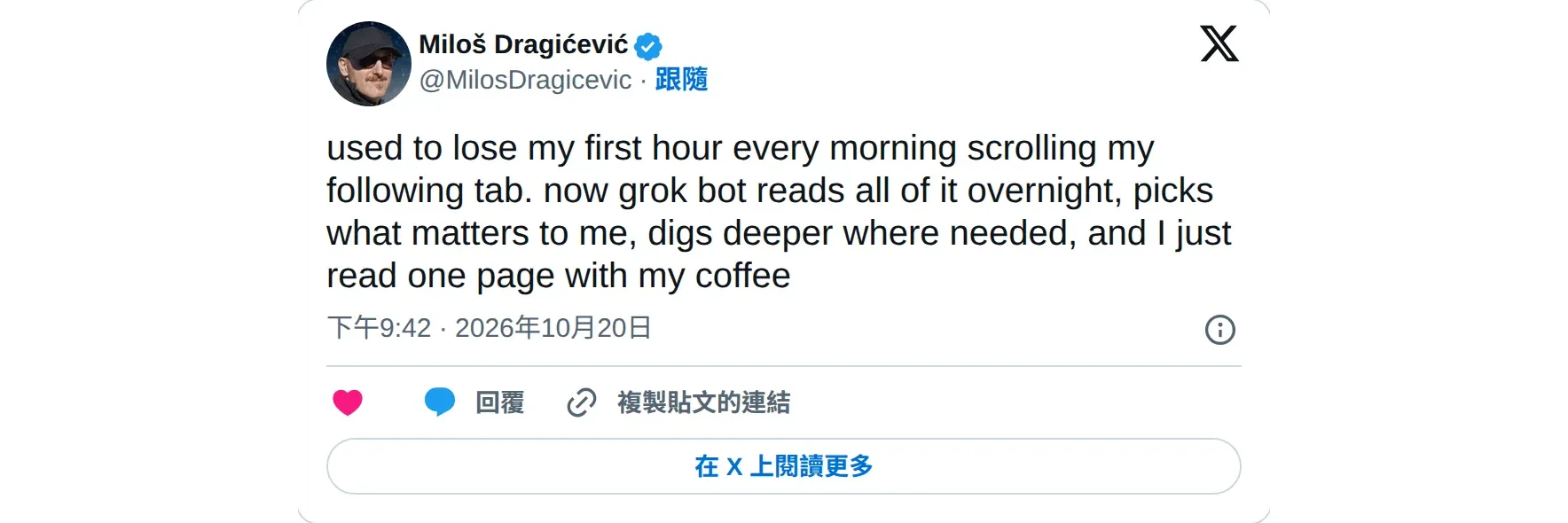
@MilosDragicevic used to spend an hour every morning scrolling the accounts he follows. Now the Bot reads everything overnight and picks what matters to him, so he just reads one page with his coffee.
How to brief it:
Every day at 7:00, give me a one-page brief: what the accounts I follow talked about yesterday, today's schedule, and who I'm still waiting on for a reply. Three lines max per item.3. Haggling with customer support
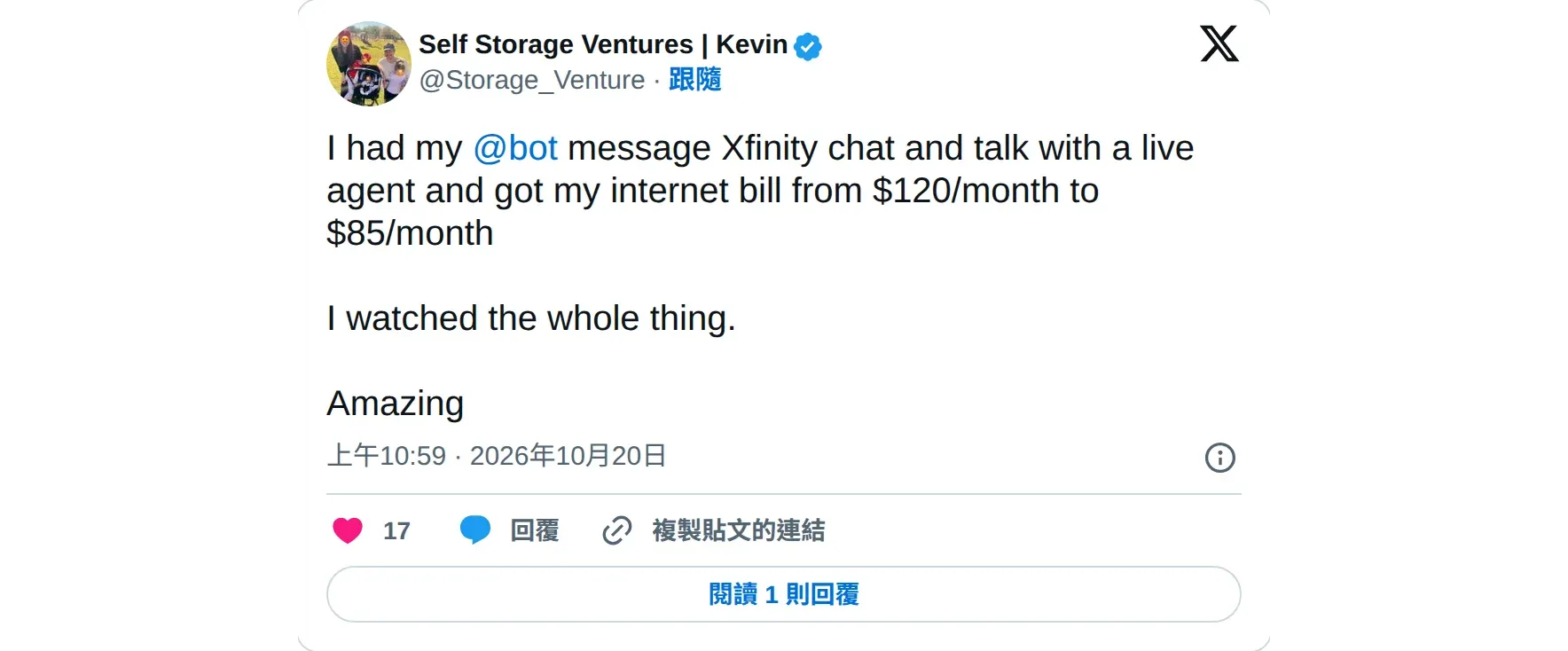
@Storage_Venture sent the Bot to talk to a human on his internet provider’s online chat. His monthly bill dropped from $120 to $85, and he watched the whole thing happen.
How to brief it:
Find the subscriptions that are charged every month in my inbox. List the name, amount, charge date, and a link to the original email. Do not cancel anything yet.List first, review, then act. One person asked a Bot to find subscriptions worth cutting, and it dug up a Claude suspension notice and presented it as a win (X).
4. Booking flights, rental cars, parking
@antlopang just talked, and the Bot booked flights for him and his wife, plus a Turo rental car and airport parking.

How to brief it:
Find nonstop round-trip flights from Taipei to Tokyo on November 20, returning to Taipei on November 24, with an early departure and a late return. List three options with total prices. Do not book or pay yet.5. Pulling the key points from school notices
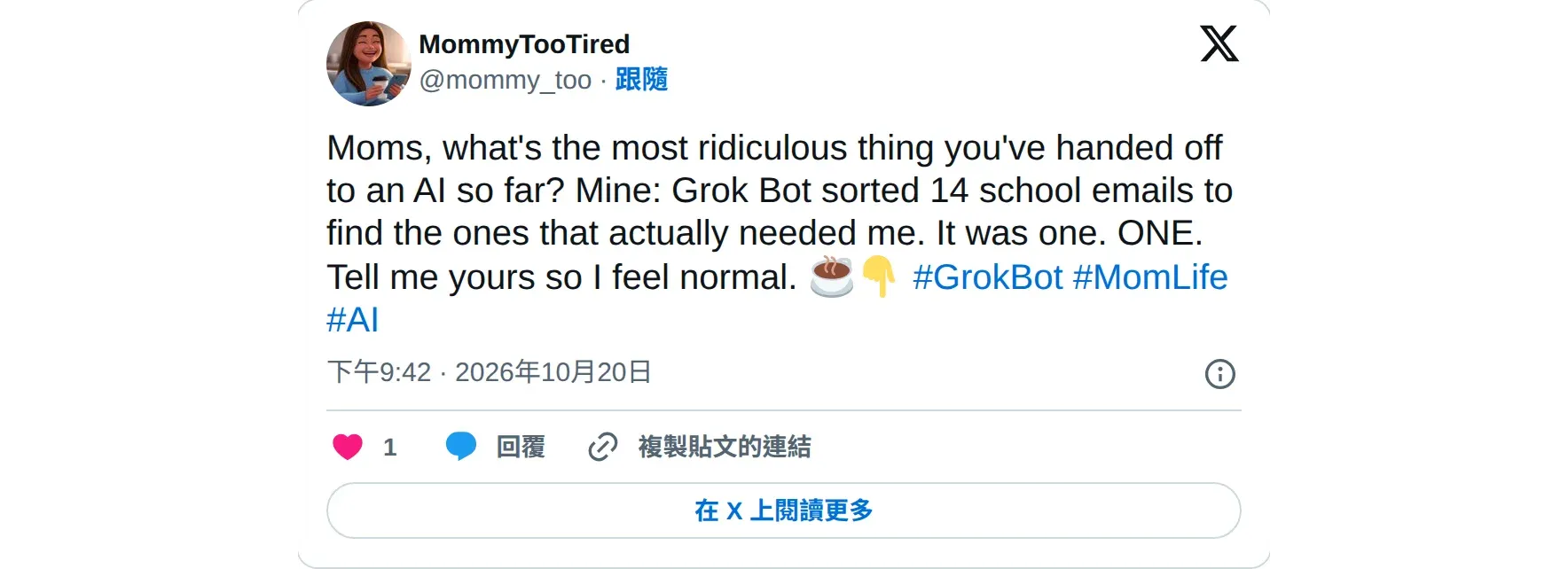
@mommy_too had the Bot read 14 emails from the school. Only 1 needed her action.
How to brief it:
Every day at 18:00, read the emails from the school. Add events with dates to the family calendar, and remind me separately about anything that needs a parent's signature or payment.6. Organizing files
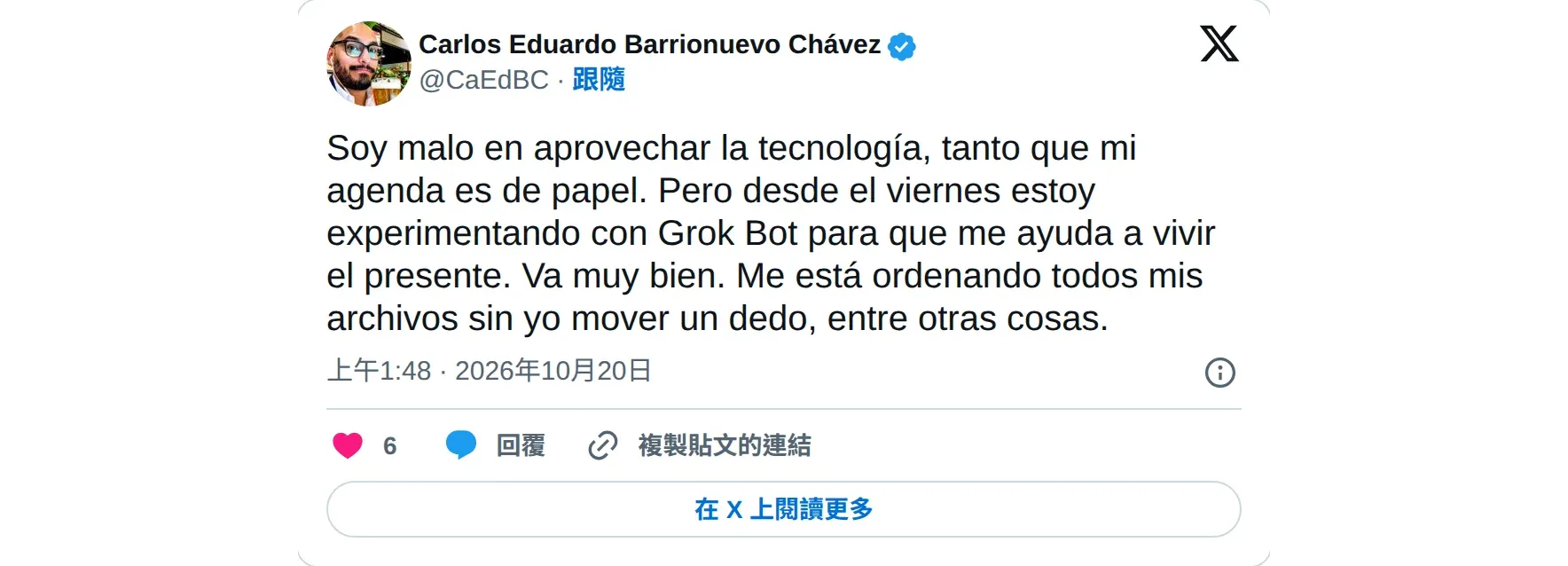
@CaEdBC says he’s terrible with technology and still keeps his schedule on paper. Since he started using Grok Bot, it organizes all his files and he doesn’t lift a finger.
How to brief it:
Sort the files in my cloud drive into folders by type and year. List the duplicate files for me to see. Do not delete anything yet.What Grok Bot Can Do: Work Uses
7. Tracking competitors, one table a day
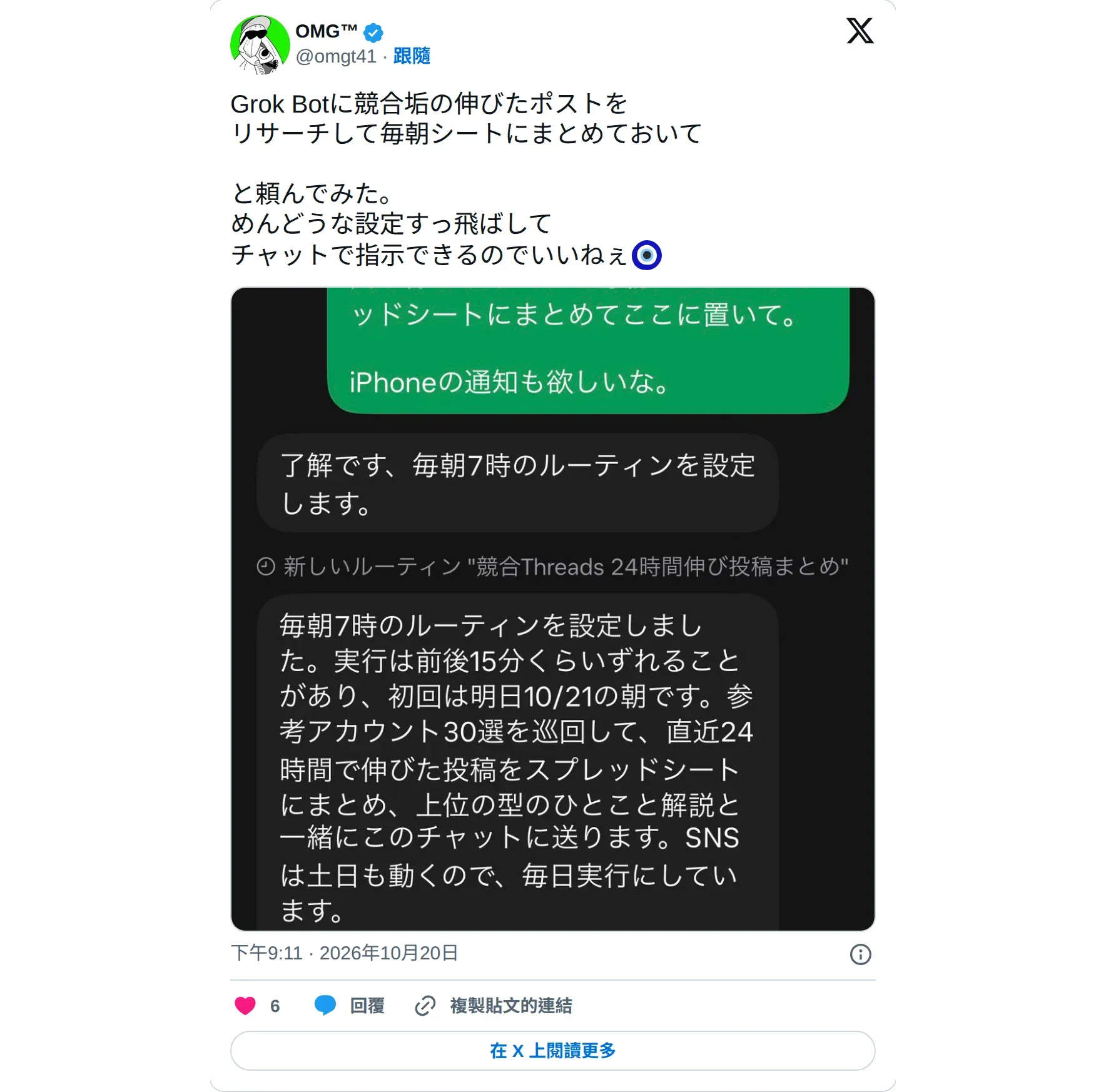
@omgt41 asked the Bot to collect the best-performing posts from competing accounts into a spreadsheet every morning. No setup needed. Chatting was enough to hand it off.
How to brief it:
Every day at 8:00, find the highest-engagement posts from these 10 accounts yesterday and put them in a spreadsheet: link, topic, number of likes.Some sites block automation, so check that the data source opens before you hand it over.
8. Scheduling a post with one spoken sentence
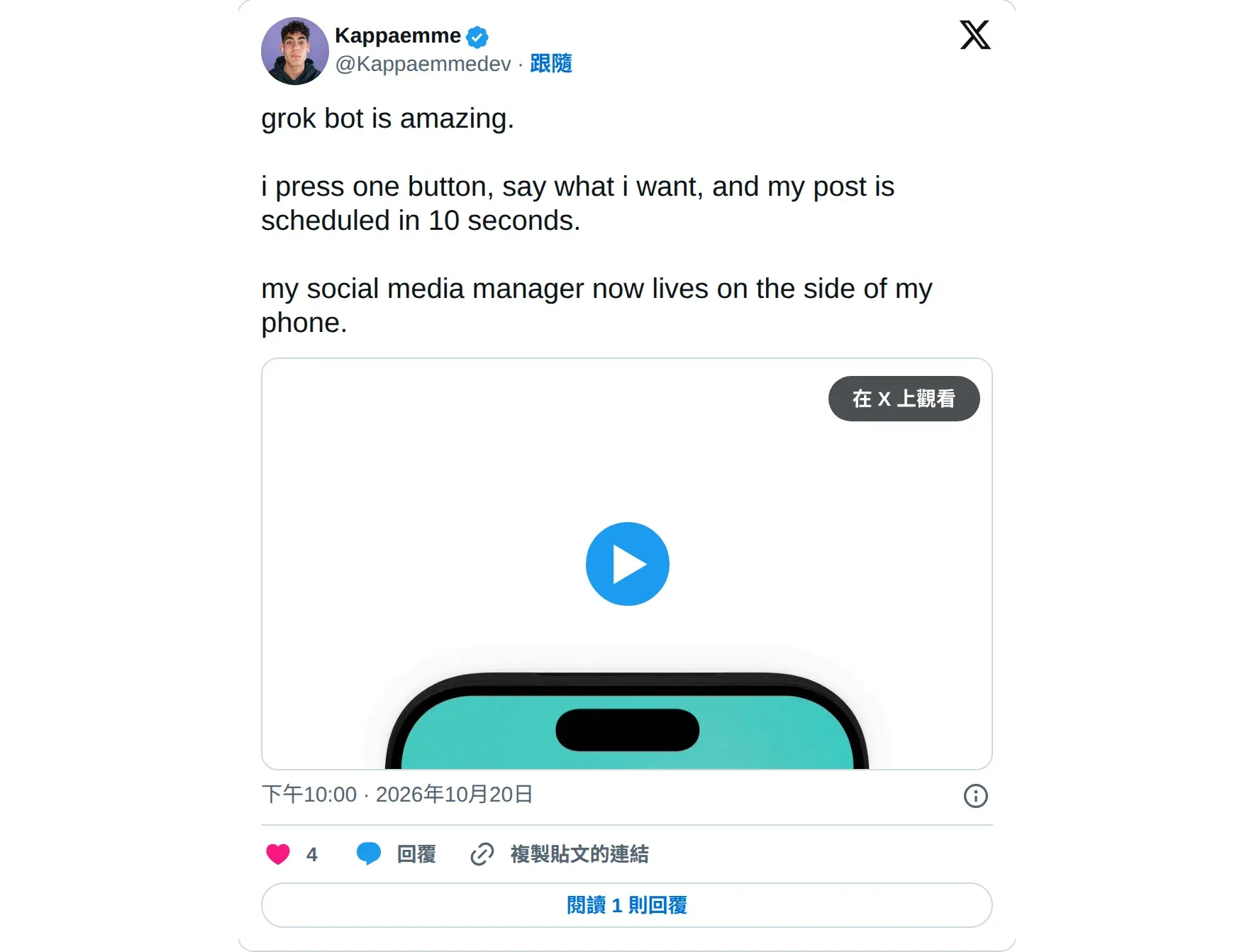
@Kappaemmedev presses one button, says what he wants to post, and a post is scheduled in 10 seconds. He says his social media manager now lives in the side of his phone.
How to brief it:
Turn what I say into one post and schedule it for tomorrow at 21:00. Show me the text before scheduling.9. Turning long articles into audio and video
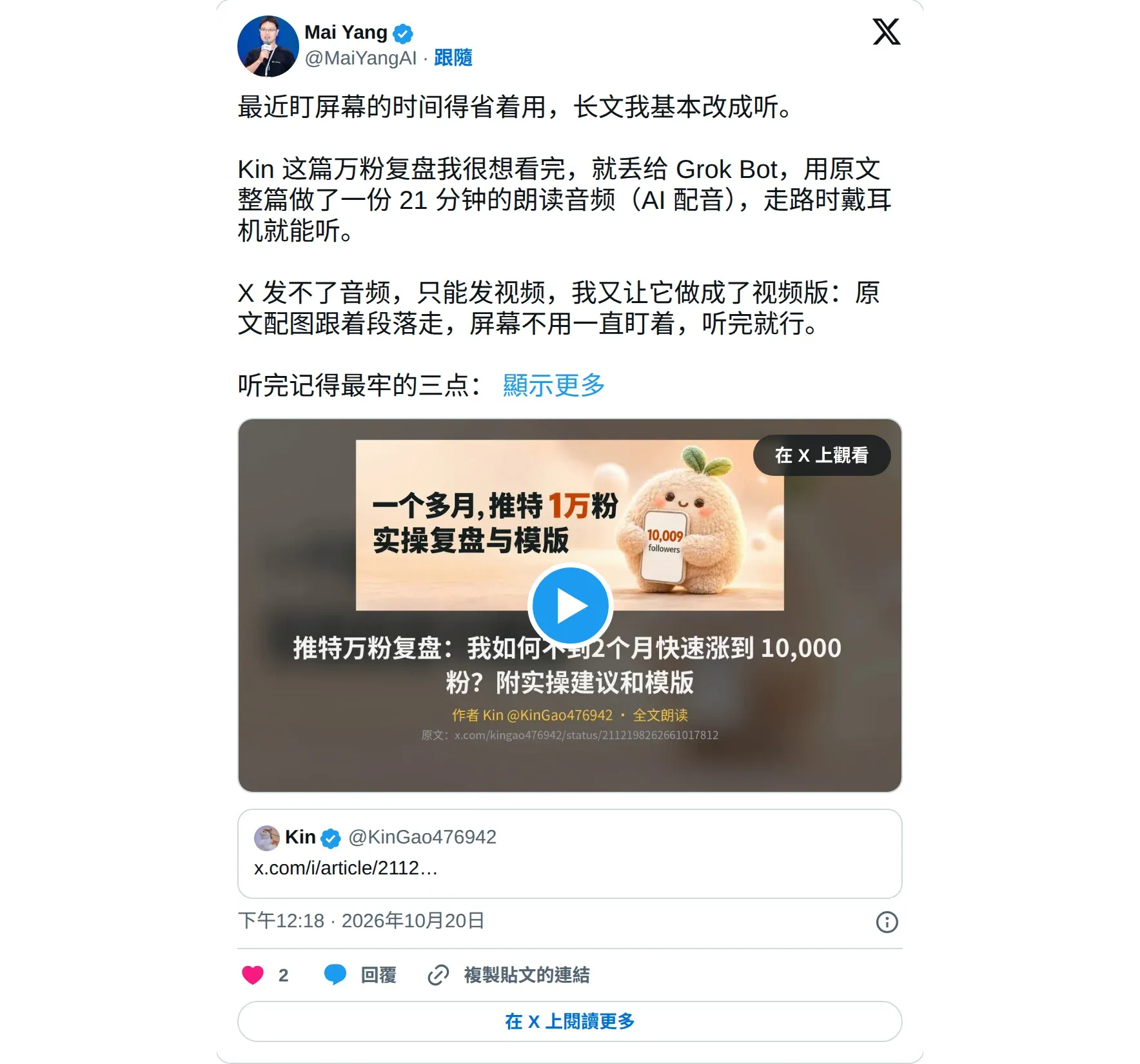
@MaiYangAI, SpaceXAI’s China-region ambassador, gave the Bot a long article he really wanted to finish. It made a 21-minute audio reading, then a video with images that follow the sections.
How to brief it:
Turn this article into an explainer video under 3 minutes. Write the script and show it to me first, then add the voiceover and visuals after I confirm.10. Walking through a tutorial step by step
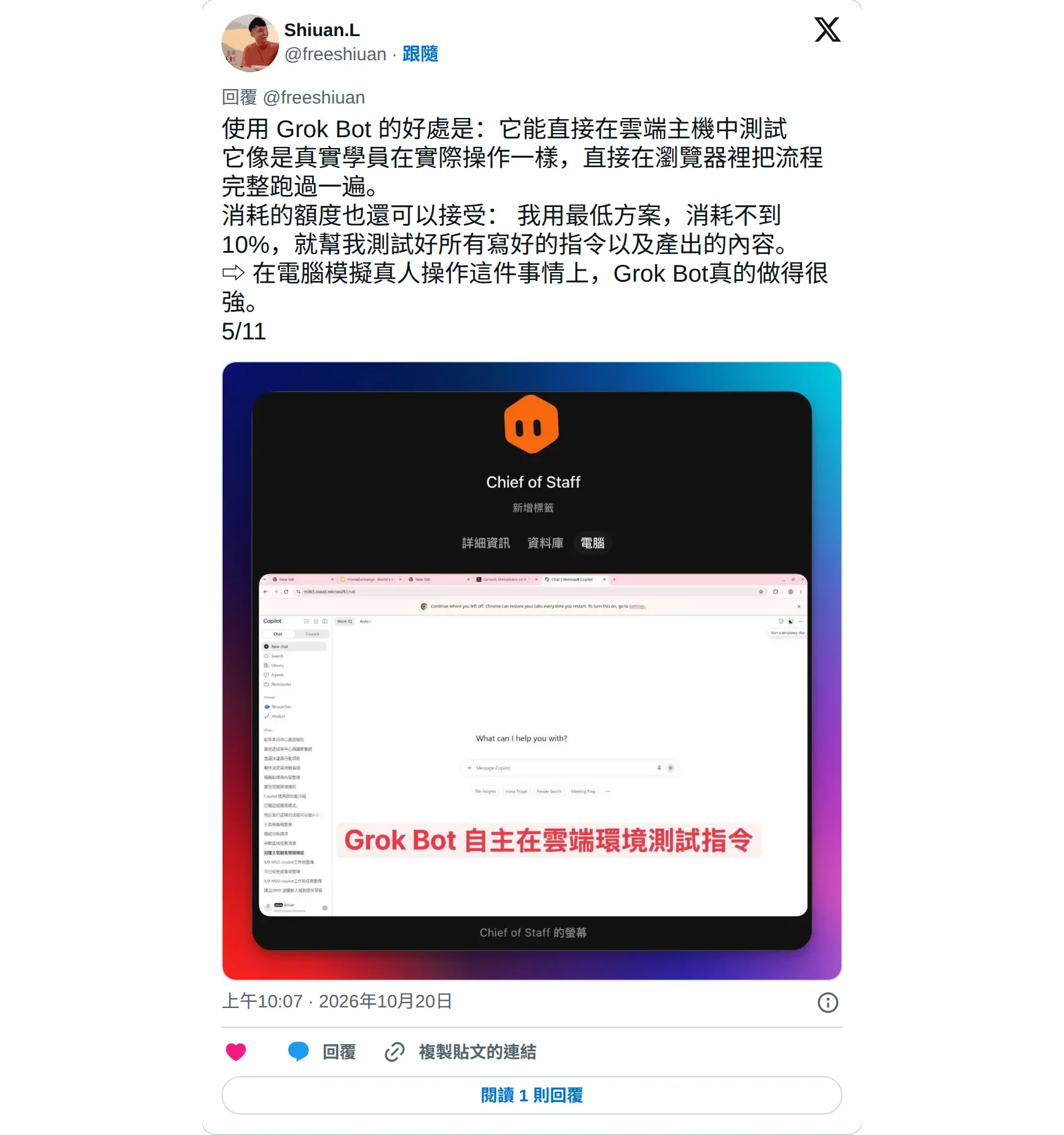
@freeshiuan had the Bot follow a tutorial in a cloud browser, like a real student, testing the prompts and outputs he had written. On the cheapest plan, it used less than 10% of his quota.
How to brief it:
Follow the steps in this tutorial in a browser. List every step where you get stuck or where the screenshots and text don't match.11. Office supply purchasing
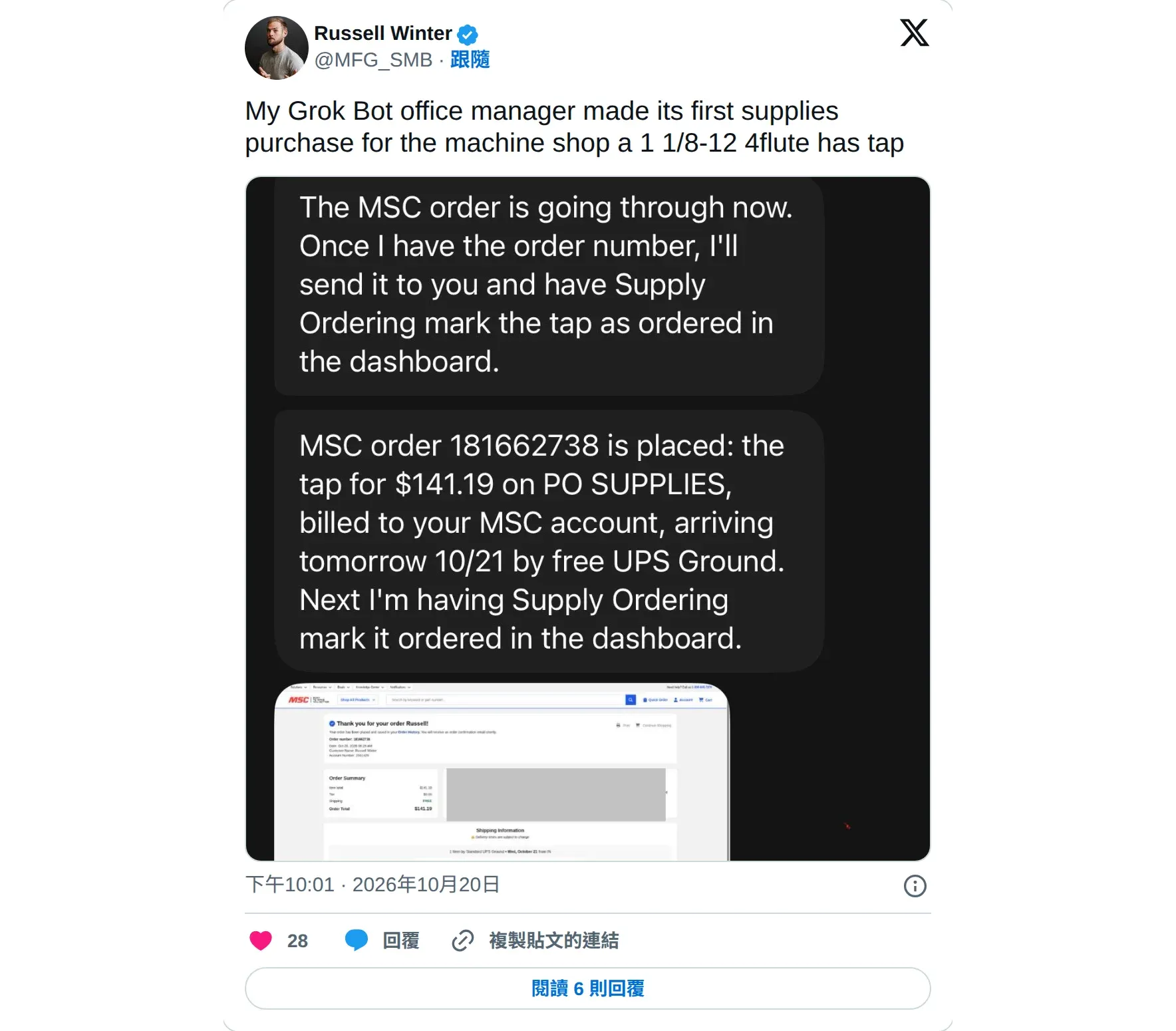
@MFG_SMB has a Bot that works as his office manager. It bought supplies for his machine shop for the first time.
How to brief it:
When supplies are running low, list the items to restock, their model numbers, and prices from three vendors. Order after I say OK.12. A main Bot delegating to specialist Bots
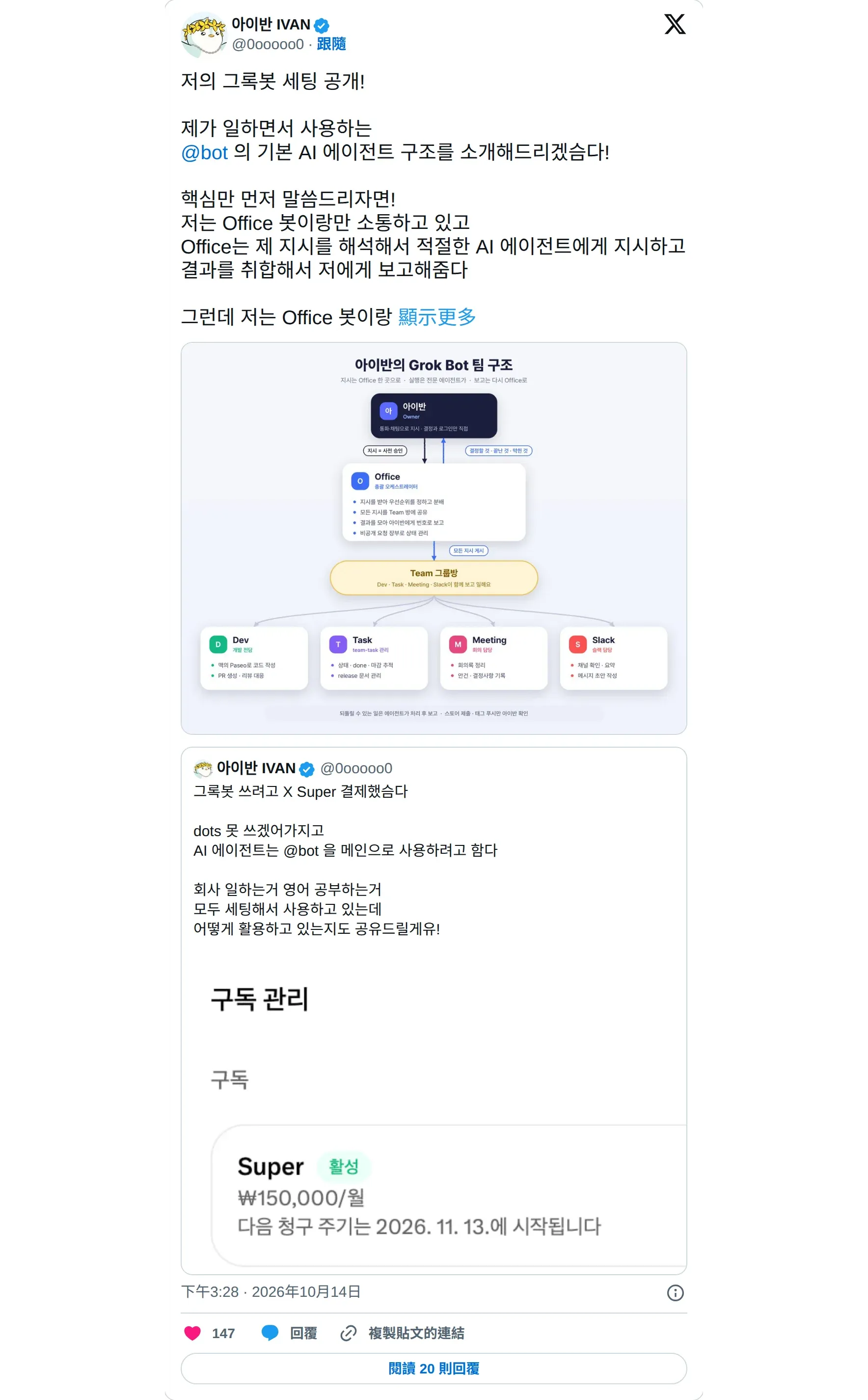
@0ooooo0 talks to only one manager Bot, called Office. It hands work to specialist Bots for development, Jira tasks, meeting notes, and Slack, then pulls the results together and reports back. He often keeps a call open while working and delegates by voice. For things that can’t be undone, like going live or submitting for review, the Bot asks him first (X).
How to brief it:
You are my chief of staff. Pass the work I give you to the right Bot. Every day at 8:00, report who finished, who is stuck, and what I need to decide.Where Grok Bot Goes Wrong Most Often
- Bulk production burns through your quota. @nowgeun used a group of Bots to make 13 illustrated 10-page decks, used up a week’s quota in 3 days, and spent about $80 making them (X). Another person turned on pay-as-you-go and used up about $20 in half an hour (X). Test with a small batch first, and use a proper connector when one exists.
- Name collisions. @ShaneMac’s finance Bot was supposed to update a Bot group chat named “Exec team”, but it posted into the company Slack channel with the same name. He later said the team fixed it within 24 hours (X).
- Handing over replies without clear rules. One person let a Bot reply to comments for him, and the replies read like spam (X). For anything that speaks in public, have it draft and press send yourself.
- Assuming an approval can be undone. An approval only covers the next action. What’s already done is not rolled back. Set sending, paying, and deleting to require approval in advance.

Penchan’s Take
After going through these 12 uses, Penchan noticed that what people commonly hand over is work that repeats every week and spans several apps. Treat this post as a starting point. Penchan will pick a few of these and try them on his own Bot.
One more tip. Handing an agent reversible work like sorting and drafting is fine, but critical actions like paying and speaking in public must be authorized by you. Full automation still carries some risk.