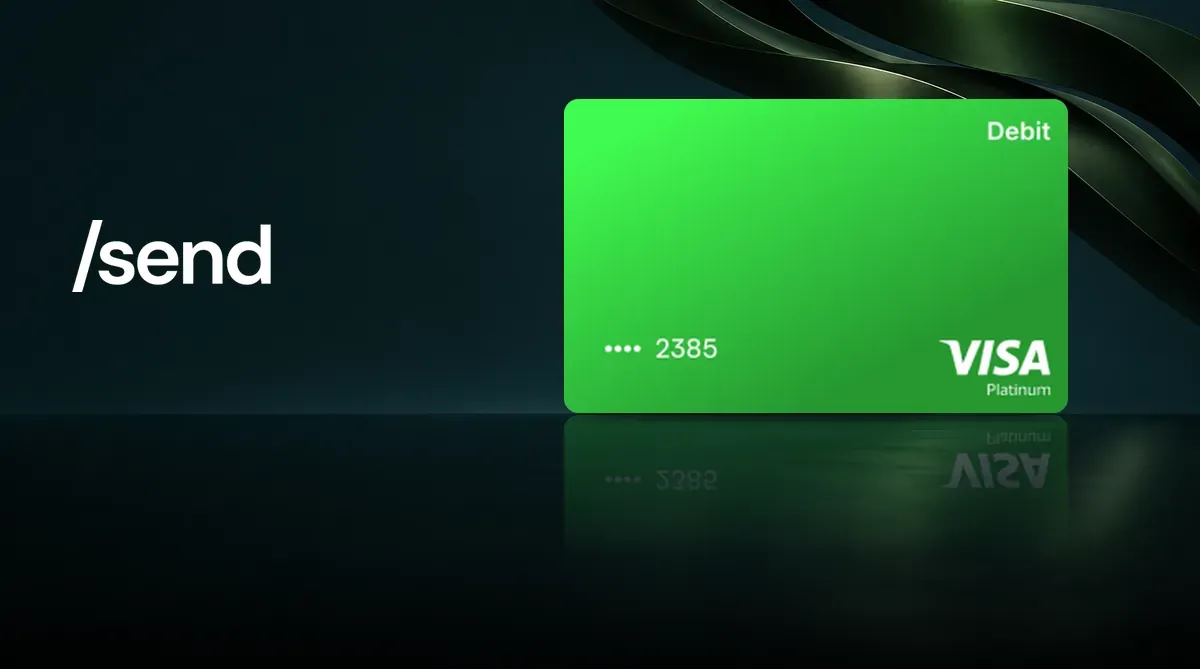
The Send Card is a virtual Visa card offered by the Send wallet app and issued by UK-based Wirex. First, deposit native USDC on Base into the card, then spend from its balance. To compare it with other cards, see the U card comparison. Fees and risks are covered below in What to know before applying.
What is the Send Card? Company background
The Send Card is operated by Send, Inc., which is registered in the United States as a money services business (MSB). The card itself is issued by WIREX Limited, registered in England and Wales, and its affiliates. Send acts as a referral and technology platform. On 20 August 2026, Send announced that it had chosen Wirex for the card; the virtual card launched on 31 August.
Send’s CEO is Ethen Eric. In January 2026, the company said more than 70,000 people were using the app. Its funding came from four rounds of token sales between 2023 and 2025, totaling $690,000, with no venture capital round.
The card runs on the Visa network and works on a prepaid basis: you transfer USDC from your Send balance to the card balance, and purchases are deducted from the card balance. Send says its Send balance and card balance are separate, and spending does not directly draw from the wallet.
The name can be confusing: look for send.app (iOS App Store ID id6748525971, Android package name app.send). There is also a “Send App” by Flutterwave, and Send’s official FAQ warns about scam apps with similar names.
Send Card benefits and fees
There is only one Send Card, with no tiers.
| Item | Send Card |
|---|---|
| Card type | Virtual Visa card (no physical card) |
| Issuance, annual and monthly fees | 0 |
| FX fee on USD-denominated purchases | 0% |
| FX fee on EUR and GBP purchases | 1% each |
| FX fee on most other currencies | 2% to 3% |
| Purchase rewards | — |
| Funding asset | Native USDC on Base |
FX fees are included in the purchase amount and do not appear as a separate line on the statement. The Visa exchange rate is used, and refunds are converted the same way.
- Funding: Only native USDC on Base can be transferred to the card, where it is converted to a USD balance. A Send account can receive other Base tokens, but they cannot be used to fund the card directly.
- Replacement: Each account can have a card replaced up to 3 times.
- Closing the card: You currently cannot close the card completely; you can only lock it. Locking it immediately blocks all transactions, and you can unlock it again.
For a full comparison and detailed rates, see the Send review and comparison and Send fees in detail.
What to know before applying
- The country selected at sign-up can never be changed. If you select a country that is not on the list, you can complete identity verification and submit your ID, but the card will never be issued and the process cannot be undone. Applicants in Taiwan should select Taiwan.
- The card balance and Send balance are separate. If the partnership between Send and Wirex ends, what happens to the remaining card balance is governed by Wirex’s terms.
- Send acknowledges that merchants in some regions may decline transactions and that adding the card to a wallet may fail in some regions. Wirex’s official status page has also recorded two card service outages affecting all regions (about 29 minutes on 30 September 2026 and about 83 minutes on 10 October 2026).
- The FX fee depends on the purchase currency: 0% for USD, 1% for EUR and GBP, and 2% to 3% for most other currencies.
How to apply for the Send Card (where to enter the invite code)
Opening the referral link takes you to send.app and applies the invite code automatically. You can also enter it manually when registering a Sendtag in the app. After a new user sets up a Passkey and completes at least one successful transfer, both parties may receive a Send fee credit. Send awards it at its discretion, so it is not guaranteed; it is not cash or a card-opening reward.
- Open the referral link (it automatically applies invite code
penchan; if registering a Sendtag in the app, you can also enter it in the “Referral Code” field). Create a Send account with a Passkey (Face ID or fingerprint); you can use the web app (PWA) or the app. The account itself does not require identity documents; only getting a card does. - Go to the card page and select Taiwan as your country. You cannot change the country later.
- Complete KYC with your name, date of birth, address, phone number, and a photo of a government-issued ID. Send says your progress is not saved, so if you leave midway, you must start over; complete it in one sitting. Wirex may later request additional information.
- Once approved, the virtual card can be issued immediately. Each person can have only one active card at a time.
- Deposit native USDC on Base into your Send account, then transfer it from your Send balance to your card balance and confirm with your Passkey. For the basics of stablecoins, see the stablecoin storage guide.
- Manually enter the card details to add it to Apple Pay or Google Wallet.
Using the card in Taiwan
Taiwan is on Send’s official list of supported countries, and Wirex’s own list also includes Taiwan. See the KYC steps above for the information required to apply. The card is virtual only.
For everyday payments, you can use Apple Pay or Google Wallet; both currently require manual card entry. Send also says adding the card may fail in some regions.
The card is tied to the country selected at registration, not your physical location. You can use it while travelling as long as you do not encounter a restriction. Merchants in sanctioned regions such as Russia, Iran, and North Korea are blocked, as are merchants in categories such as gambling and dating.
Wirex also offers its own cards. See the Wirex card fees in detail and the Wirex One card application guide.
