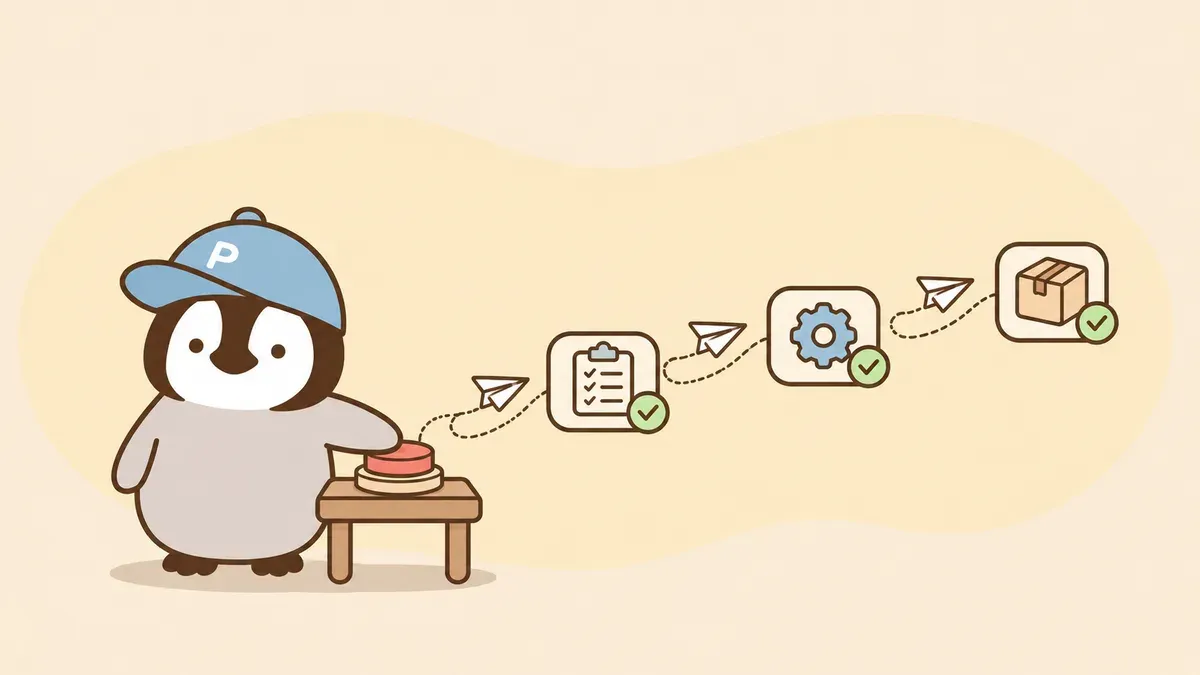
What is a Claude workflow? In Claude Managed Agents, a workflow run lets the AI write its own division-of-labor plan, send out a group of agents (AI helpers that can take actions on their own) to handle a big job at the same time, and merge the results for you. This is an Anthropic feature that developers connect through the API. It is not a button in the Claude chat window. Claude Code has a feature with the same name, covered in Claude Code dynamic workflows.
Managed Agents is an agent runtime from Anthropic that runs directly in Anthropic’s cloud, suited to long jobs you don’t have to watch. It is currently in beta (public testing).
What is a Claude workflow run
Imagine handing a big project to a foreman. He doesn’t do the work himself. He draws up a task list, brings in a crew to start at the same time, and collects everything to hand back to you.
A workflow run is that process. Three terms to get straight first:
- workflow: the division-of-labor program an agent writes, used to direct many agents and merge their results
- workflow run: one execution of that workflow
- dynamic workflows: the feature that lets an agent write a workflow and start it by itself
The whole thing runs in the background in the cloud, and each agent works in its own thread (a separate conversation space). You won’t see that program, but you can ask the agent to print it out word for word.
How a workflow run works
Here is the official example. You ask, “Which of these 300 contracts have a change-of-control clause?” The agent splits the job into two stages: first reading the contracts, then combining what it found. The final answer: 41 do.
Here is what that program can do:
- Send out many agents at once, which the docs call fanning out (spreading the work out in one go)
- Pass one agent’s result to the next
- Repeat and decide, for example revising a draft until it passes review, or stopping after a set number of rounds
- Handle failures: when an agent errors out, it is usually rerun once in a new thread
The same task may get several threads. So if you connect your own tools to the agent, make sure calling them twice causes no harm, such as charging a payment twice or sending an email twice. Also, a run showing completed does not mean everything succeeded. You can ask the agent to report what failed.
Agents in the same run share one isolated cloud computer, so they can work on the same set of files. A run has three states: running, idle (paused), and ended. Seeing idle does not mean it’s done. Every run has to reach ended.
When to use a workflow run
Audits, data migrations, deep research, cross-checking: any job that needs multiple agents fits. What they share is size and splittability: too big for a single conversation, but easy to break into pieces done at the same time.
How it differs from a subagent: with a subagent, the agent itself decides the next step. With a workflow, a program written by Claude directs the agents without Claude being directly involved.
Workflow run limits and cost
A run itself has no separate price. The text the agents use (tokens) is billed at each model’s rate, and the whole session also carries a runtime charge. Usage also counts against your budget. When it hits the cap, every open run pauses, and they resume only after you raise or remove the budget.
The main limits the docs list:
- Concurrency is currently listed as 64 threads at once per run, but the API does not guarantee that number
- One workflow can start at most 1,000 agents over its lifetime
- A run lives 24 hours by default, then times out and stops
- Only the agent in the main conversation can start a run. Agents inside a run cannot start another run
To see the plan before launch, tell the agent to describe it and wait for your approval, because there is no approval step before a run starts. To stop partway, ask the agent to stop its run. Simply interrupting the current turn does not end the run. Before handling sensitive regulated data such as medical records, check that your use is compliant, because Managed Agents currently does not meet zero data retention or HIPAA requirements.