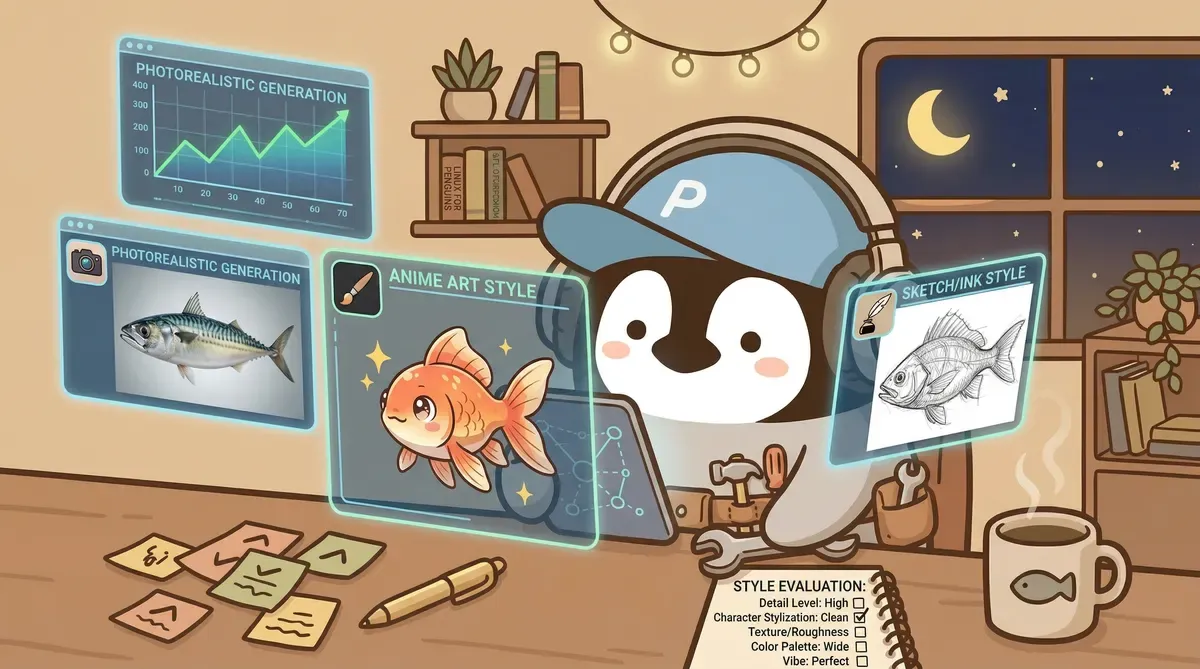
AI image tools have changed quickly over the past two years. Midjourney became the industry benchmark around 2022, then built-in image generation in Gemini and ChatGPT caught up. This article compares the three leading options and explains why I moved my everyday image work to Gemini.
Midjourney’s Era and Its Friction
Midjourney’s early Discord interface produced stylized quality that other tools could not match at the time. A few words could generate a distinctive image, and community prompt examples brought many people into AI image generation.
Several friction points build up with long-term use.
The largest is the interface. Midjourney now works on both the website and Discord, but I used the Discord flow for years: open Discord, find the bot, enter a command, wait for the result, then use another series of buttons for variations or upscaling. Switching windows inside Discord alone takes time.
The other issue is the prompt learning curve. Midjourney is sensitive to prompt format, so syntax such as --ar 16:9 --style raw has to be learned separately. Expert prompts shared by the community can be remarkable, but reaching that level requires a lot of study.
What Changed After Gemini Took Off
Gemini’s image generation improved sharply in late 2025. Google launched Nano Banana, or Gemini 2.5 Flash Image, followed by Nano Banana Pro, or Gemini 3 Pro Image, in November 2025 and Nano Banana 2, or Gemini 3.1 Flash Image, in February 2026.
The most immediate difference for non-English users is instruction understanding. What takes a long parameter string in Midjourney can be expressed to Gemini in natural language. For example: “Draw a penguin sitting in front of a laptop, colored-pencil style, warm tones, 16:9 banner.” It can generate that without parameter syntax or Discord.
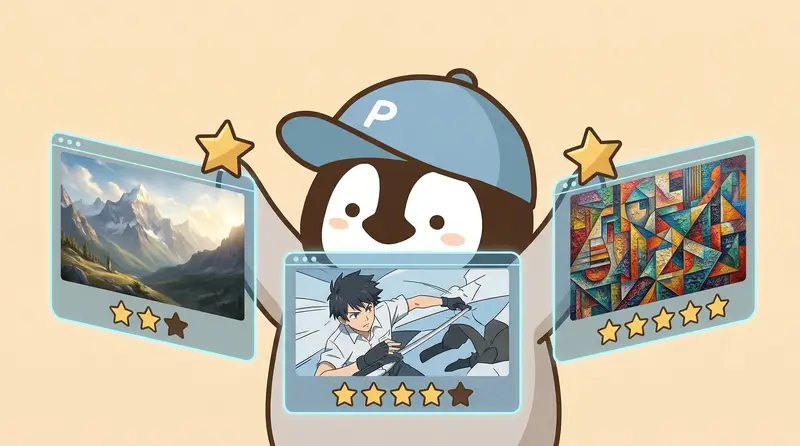
Gemini has caught up to Midjourney in photorealism and is better in some scenarios. Midjourney still leads in artistic variety, especially in strongly stylized illustration and concept art.
An In-Depth Comparison of Three Tools
Midjourney
Strengths:
- The strongest stylization, capable of highly distinctive artistic looks
- A mature community ecosystem with many prompt examples
- Major improvements to hands and facial details in recent versions
Weaknesses:
- The Discord workflow is more cumbersome, though the web version is more intuitive
- Its prompt parameters form a separate system with a steep learning curve
- Direct prompts are more reliable in English; non-English input works through the website’s Conversational mode
Best for: illustration, concept art, social visuals, and scenes that need a strong style. For creators who need images with personality, the latest Midjourney remains the first choice.
Price: Four plans, Basic, Standard, Pro, and Mega, range from US$10 to US$120 per month. The main difference is monthly Fast GPU time, with about 3.3 hours on Basic. Standard and higher plans offer unlimited image generation in Relax mode. Check the official plan page for current details.
Gemini (Powered by Nano Banana Pro / Nano Banana 2)
Strengths:
- The strongest natural-language understanding, with no parameter syntax to memorize
- High-quality photorealism and fast generation
- A useful allowance on the free tier
- Strong support for non-English prompts
- SynthID is embedded in every generated image, which helps with provenance
Weaknesses:
- Less stylistic variety than Midjourney
- Occasional refusals because of stricter safety filters
- Character consistency for specific recurring characters is not fully stable
Best for: blog visuals, presentation illustrations, product concepts, and any situation where you need a good image quickly.
Price: The free tier has a daily allowance. Google AI Plus and Pro unlock higher limits and newer models. See Gemini Free vs Pro for details.
ChatGPT Built-In Image Generation (ChatGPT Images)
Strengths:
- Fully integrated with ChatGPT, making conversational generation the most convenient
- Text rendering is one of its strengths, though Traditional Chinese still needs character-by-character review
- No separate tool is required
Weaknesses:
- Overall quality trails the other two
- Its style tends toward a clean, cartoon-like “ChatGPT look”
- Detail control is the weakest
These weaknesses reflect my experience with version 2.0. OpenAI says version 2.5 has more natural lighting and texture, follows multi-turn edits more reliably, and generates images up to 50% faster. I have not retested it yet.
Best for: people who already use ChatGPT and need quick supporting images without demanding the highest quality.
Price: Included in ChatGPT Free or Plus at US$20 per month.
What About Stable Diffusion and Canva AI?
Stable Diffusion suits people with a GPU and time to configure an environment. It is free and supports model fine-tuning, but the technical barrier is high. For content creators without a development background, the setup cost is usually not worth it.
Canva AI is primarily a template and layout product, not an image-generation specialist. In my tests, it produced strange gradients and frequently broke human proportions. Canva remains useful for design, but I recommend using Gemini separately for AI images.
One Table to Choose a Tool
| Situation | Recommended tool |
|---|---|
| Blog or social images where efficiency matters | Gemini (Nano Banana Pro / Nano Banana 2) |
| Illustration, concept art, or a strong visual style | Latest Midjourney |
| Already using ChatGPT and only occasionally need images | ChatGPT built-in image generation (ChatGPT Images) |
| Technical background and extensive customization needs | Stable Diffusion |
| Designing in Canva and curious about AI images | Use Gemini separately |
Penchan’s experience
My first AI image tool was early Midjourney on Discord. At the time, Midjourney’s stylized quality was far ahead of everything else, and it was the easiest choice.
I also tried Canva’s AI image generation for a while. The gradients were poor and human proportions often broke, so I replaced it. Canva’s templates and layout tools are still useful, but AI image generation is not its main strength.
After moving my primary workflow to Gemini, the biggest difference was how well it followed natural-language instructions. It generates quickly, the quality is good enough, and I can upload reference images to maintain brand-character consistency. Together, those improvements have noticeably reduced my daily image-production time.
I still return to Midjourney for stylized illustration. Gemini’s variety has not yet reached Midjourney’s immediately recognizable artistic range.
For most content creators, image generation is a supporting role, not the main content. Time should go into the content itself, not studying Midjourney parameter syntax in Discord. Under that assumption, Gemini is the first choice in 2026. For designers or AI art accounts where the image itself is the content, Midjourney’s stylization remains difficult to replace.
Further Reading
This article introduces AI tool features and compares subscription plans. It does not provide securities or investment advice. Check each platform’s official pages for current prices; this information may become outdated.
Compiled by Penna | Penchan