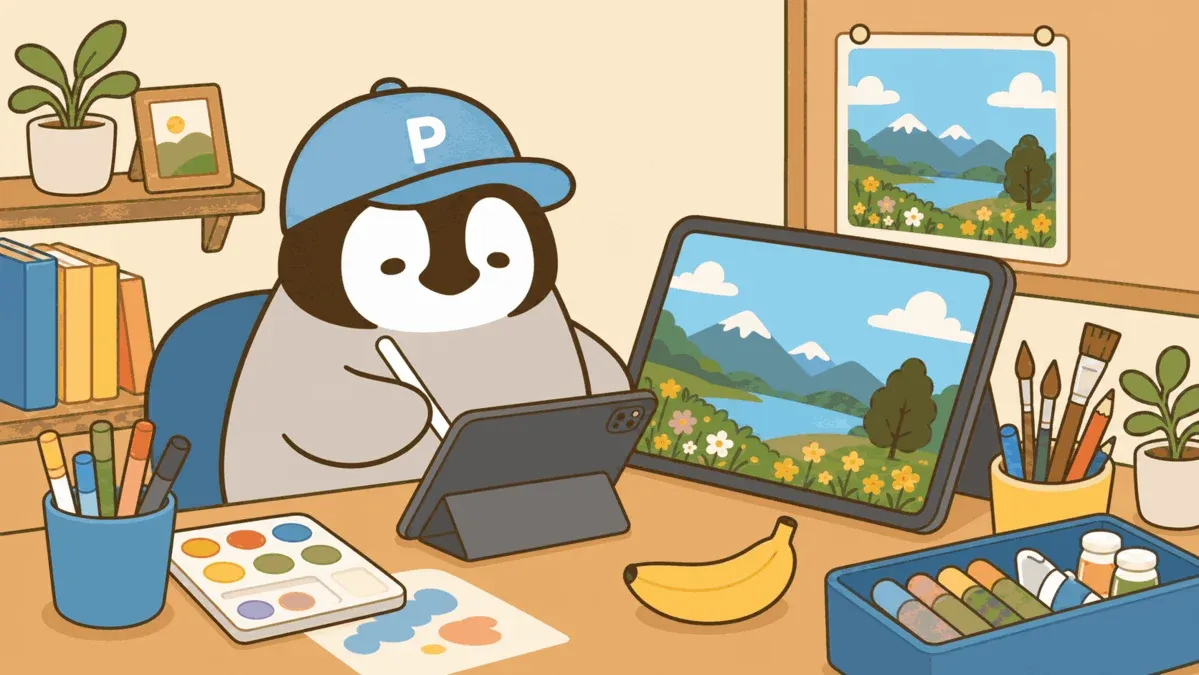
In August 2025, Instagram and X blew up with a wave of “3D figurine” photos — selfies transformed into detailed collectible figures, and most people had no idea what AI was behind it. That was Nano Banana’s debut: Google teased Gemini Flash Image with a 🍌 emoji, the internet ran with it, and the name stuck.
What Is Nano Banana
Nano Banana is an AI image generation model from Google DeepMind, part of the Gemini ecosystem. The official name is Gemini Flash Image. Google used a 🍌 emoji hint before the official launch, and the community nickname stayed.
Version history:
- Nano Banana (Gemini 2.5 Flash Image, August 2025): the original. Sparked the 3D figurine craze and drove tens of millions of new Gemini users and over 200 million photo edits.
- Nano Banana Pro (Gemini 3 Pro Image, November 2025): the flagship tier, higher quality, lower quota.
- Nano Banana 2 (Gemini 3.1 Flash Image, February 2026): the current version and the default image model across all Gemini subscription tiers.
Unlike earlier text-generation AIs, Nano Banana was designed from day one to generate images inside a conversation rather than as a separate drawing tool. That makes it far more intuitive than Midjourney — the tradeoff is less fine-grained pixel control than a dedicated tool.
Getting Started (Free)
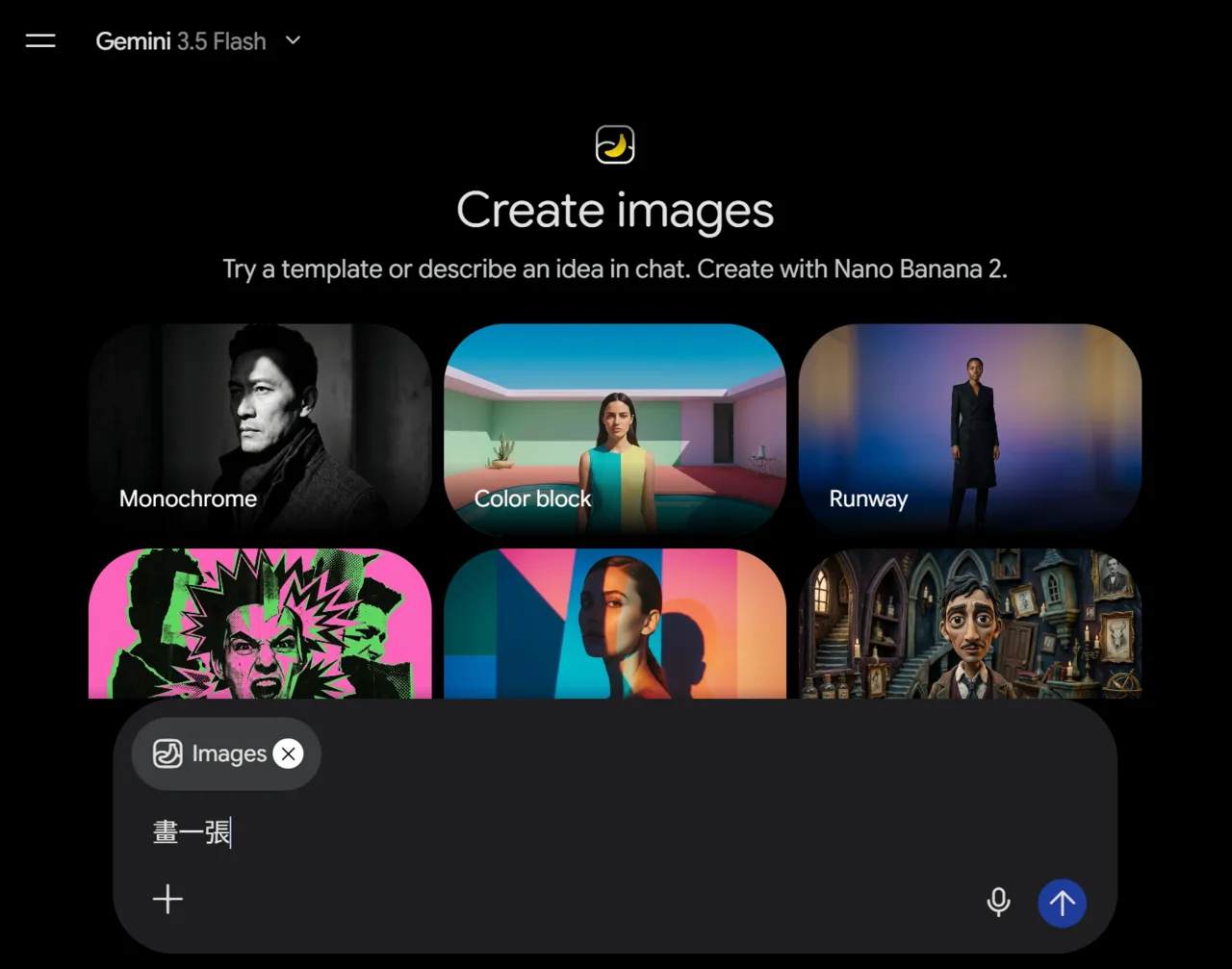
Fastest path: gemini.google.com
- Open gemini.google.com
- Sign in with a Google account (takes under five minutes to create one if you don’t have it)
- Start a new conversation and confirm you’re in image generation mode (some interfaces need a manual switch to the image model)
- Type something like “draw a…” and you’re generating
The Gemini mobile app works the same way if you prefer your phone.
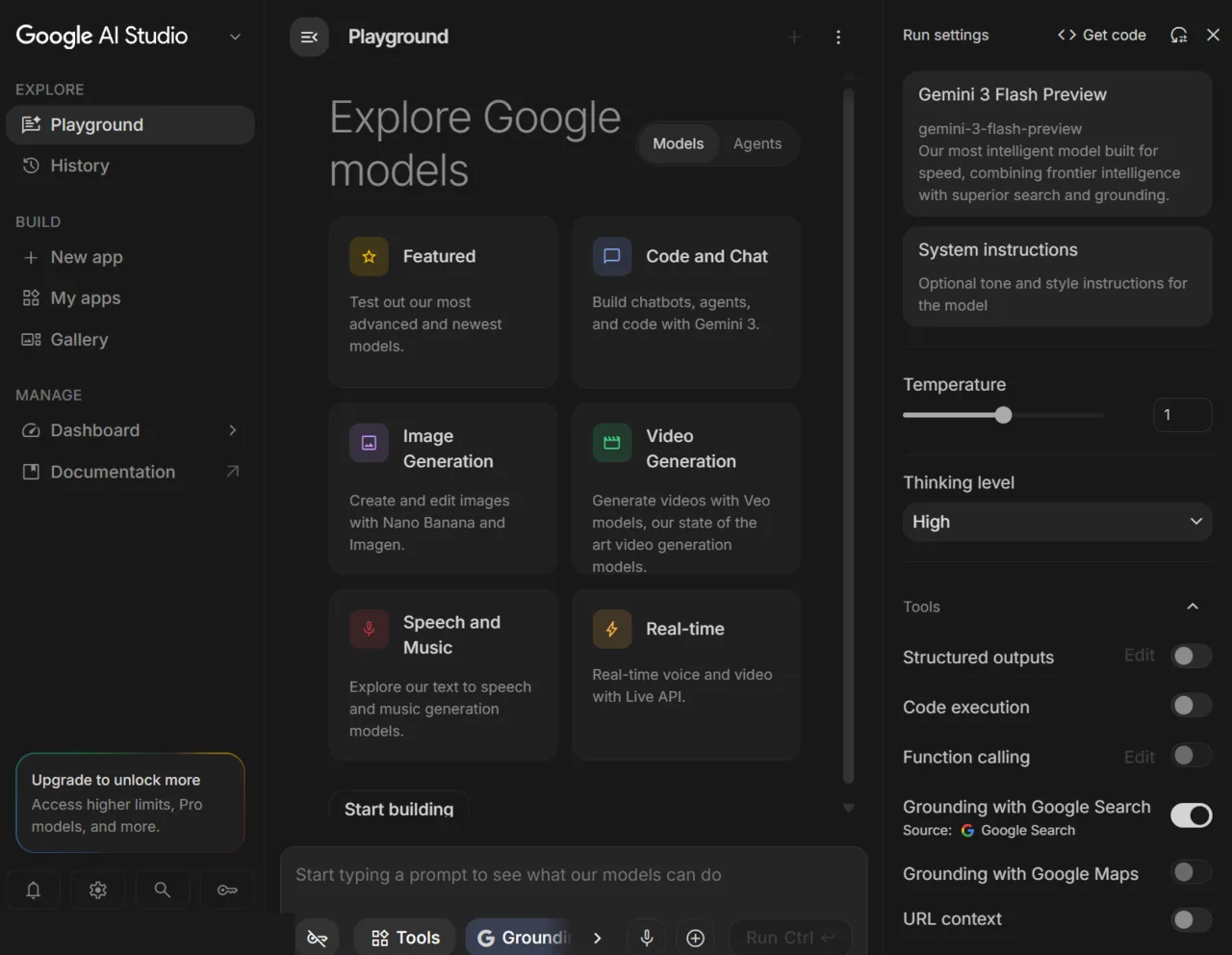
Developer path: Google AI Studio
If you’re a developer or need higher free quota and API access, go to Google AI Studio. The free allowance is higher there, and you can grab an API key to integrate into your own app directly.
What It Can Do
Text to image
Type a description and Nano Banana generates the image. It supports multiple aspect ratios (square, landscape, portrait). Nano Banana 2 outputs up to 4K — though free-tier users are capped at 1K; you need a paid plan for true 4K.
Basic prompt structure: subject + style + scene + mood. Example:
“Draw an orange tabby cat sitting by a café window, watercolor illustration style, afternoon light slanting in, warm tones.”
Compare that to just “draw a cat.” The extra detail means the first output is already close to what you want.
Conversational photo editing
This is where Nano Banana diverges most from Midjourney. Upload your own photo, describe what you want changed in plain language, and it does it.
How: click the upload icon on the left side of the chat box → send your photo → say “swap the background for a rainy street, keep the person.”
Specific instructions consistently outperform vague ones. “Change the background a bit” produces unstable results. “Replace the white background with a Japanese tatami room interior, keep the person’s outline and lighting direction” works reliably.
Supported edits: remove objects, swap backgrounds, change lighting direction, style transfer (turn a photo into an illustration), tone adjustments. It does not support fine masking or pixel-level operations like Photoshop — know what it is and you won’t be disappointed.
Character consistency
Nano Banana 2’s biggest upgrade: maintain consistent appearance for up to 5 characters and 14 objects across a single conversation. Great for storyboards, sticker series, or IP character design — the same character won’t drift in appearance across different scenes.
The key: keep generating in the same conversation thread. Establish the character’s look in the first image, then continue in the same thread with “have her appear in…” and the model remembers what she looks like.
Text inside images
Nano Banana renders English text inside images better than most AI image models — accuracy around 87–96%. If you want a slogan or tagline inside an image, English is far more reliable than Chinese.
Working with Chinese Text
Prompts written in Chinese work fine; the model understands them. But getting Chinese characters to appear inside the generated image requires special handling.
The current state of Chinese text rendering
Community testing (not official data): Traditional Chinese text inside Nano Banana images hits only about 70% accuracy. Common issues are missing strokes, scrambled character order, and blurry forms. Simplified Chinese fares slightly better but is still inconsistent.
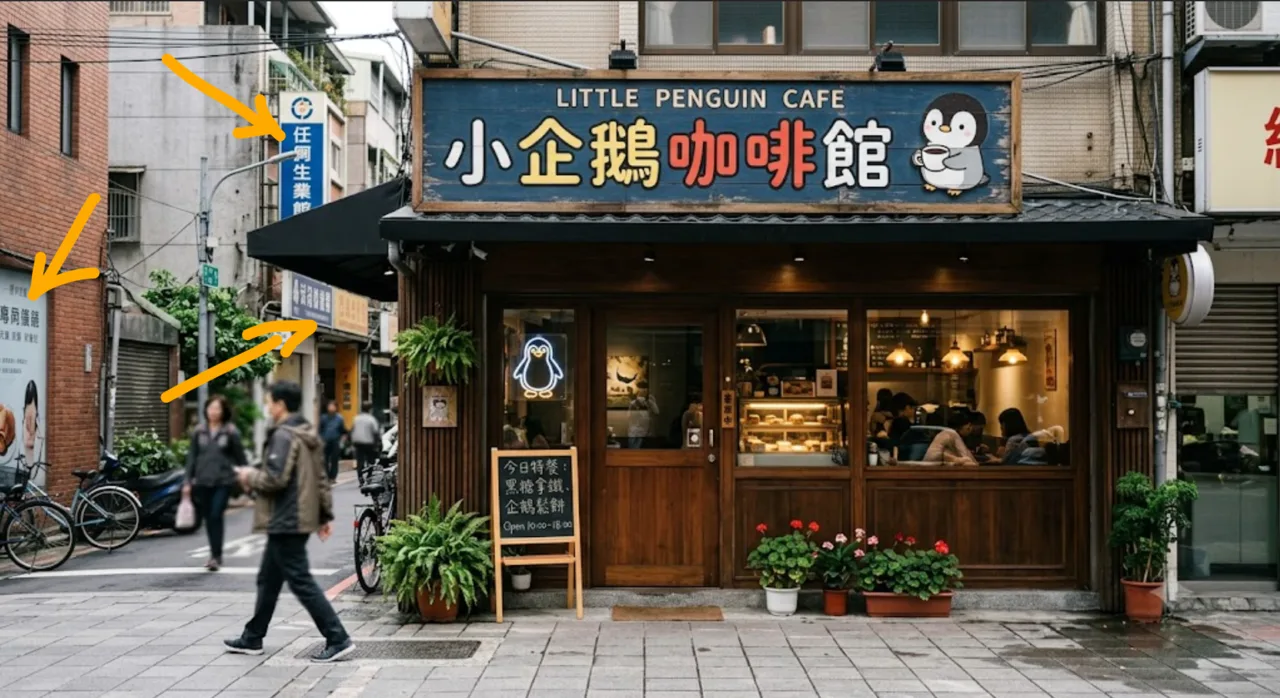
Nano Banana 2 improved this but hasn’t solved it.
Tips to improve accuracy
1. Wrap the target text in quotation marks and call it out explicitly
“Design a poster. In the center, display the text 「認真玩 AI」 in large characters. Traditional Chinese (Taiwan). Font clean and sharp.”
2. Request 4K output
Higher resolution means finer strokes are less likely to blur: “Please output at 4K resolution, ensure text is crisp.” (Requires a paid plan for actual 4K.)
3. Write the composition in English, put the target text in Chinese
Describe the scene, style, and lighting in English (denser training data → more stable output for those elements), and only put the Chinese characters in the text-display field.
4. When Chinese text is too unreliable, use Canva to layer it
The workaround is roundabout but practical: let the AI handle composition and style, then add Chinese text in Canva afterward. Stable quality, no fighting the model.
Free vs Paid Plans
| Free | Google AI Pro (~US$19.99/mo) | |
|---|---|---|
| Daily image quota | ~20 (may drop at peak) | ~100 |
| Max resolution | 1K | 4K |
| Character consistency | Yes | Yes |
| Conversational editing | Yes | Yes |
| API access | Metered separately | Free quota included |
There’s also AI Plus (US$7.99/mo) and AI Ultra (US$249.99/mo), each with different quotas and feature combinations. Google adjusts these numbers frequently — treat the official announcement as the source of truth.
For API usage, Nano Banana 2 runs about US$0.039–0.07 per image. If you’re generating at volume, that’s the cost model to work with.
All Nano Banana outputs carry Google’s invisible SynthID watermark and C2PA provenance metadata, marking them as AI-generated. You can’t see it visually, but the record is there at the technical level.
How It Compares
vs Midjourney: Midjourney has stronger artistic style control and a higher quality ceiling — it’s still the consensus pick for pure aesthetics. But there’s no free tier (subscription required), text inside images is a known weak point, and there’s no conversational editing. If you care about artistic depth and stylistic precision, Midjourney earns the subscription. If you want photo editing and workflow integration, Nano Banana is the more intuitive choice.
vs GPT Image (ChatGPT): GPT Image excels at photorealistic human generation. GPT Image 2, which launched in April 2026, briefly topped the Image Arena leaderboard. Both support conversational editing at a similar capability level. The main difference is ecosystem: Nano Banana integrates into the Gemini app alongside real-time web search; GPT Image lives in ChatGPT. If you’re already in ChatGPT, switching cost is low. If you’re in Gemini, Nano Banana is the natural choice.
vs Stable Diffusion: Stable Diffusion’s advantages are local execution, genuinely free after setup, and with ControlNet you get precise compositional control. The cost: you set up the environment yourself, tune models, pick LoRAs — meaningfully higher technical barrier. Nano Banana is out-of-the-box. These two tools target different users; it’s not a matter of one being better.
Students should check whether they qualify for a Gemini student plan — the pricing might work out better.
Conclusion
Nano Banana’s position is clear: the lowest-barrier entry point for AI image editing. Free, nothing to install, opens with a Google account — those three things are a big unlock for anyone curious about AI image generation.
Quick decision guide: want conversational photo editing (upload a photo, describe changes out loud) → start with the free tier, it covers most daily needs. Want consistent characters or storyboards → Nano Banana 2 handles that well. Want top-tier artistic style and fine detail control → Midjourney still holds that spot. Want Chinese text inside images → try Nano Banana first; if results are unreliable, layering text in Canva is the practical fix rather than spending hours wrestling with the model’s Chinese rendering.
The Chinese text rendering problem still exists in Nano Banana 2. How fast it improves remains to be seen — check the official announcements.
Further Reading
— Penchan