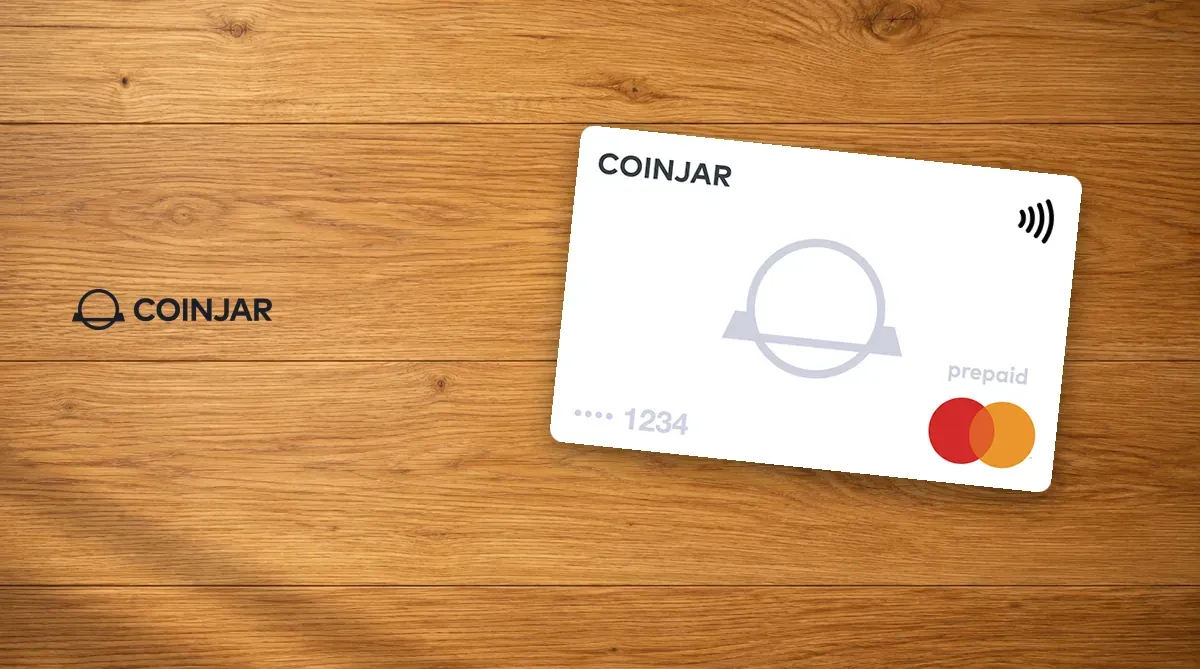
The CoinJar Card is a Mastercard prepaid card from CoinJar, an Australian exchange. Taiwan is not on the official list of supported countries, and only Australian residents can apply. You choose one crypto in your CoinJar account, and when you pay by card CoinJar automatically sells it for Australian dollars. To compare it with other cards, see the crypto card comparison. Fees and risks are outlined below in What to know before applying.
Don’t invest unless you’re prepared to lose all the money you invest. Take 2 mins to learn more.
What is the CoinJar Card? Company background
CoinJar was founded in 2013 by Asher Tan and Ryan Zhou. Its “About us” page lists Asher Tan as co-founder and CEO, and Ryan Zhou as co-founder and COO. CoinJar Australia Pty Ltd, which operates the card, is a virtual asset service provider registered with AUSTRAC, the Australian Transaction Reports and Analysis Centre.
The card is issued by EML Payment Solutions Limited. CoinJar is an authorised representative of EML and handles distribution and customer support. It is a Mastercard prepaid card, not a credit card or a debit card, and the balance on the card is not a bank deposit.
Here is how it works: your crypto stays in your CoinJar account, and at the moment of each purchase CoinJar sells the coin you chose for Australian dollars at the current sell price. When you are not spending, your coins stay as coins. Refunds come back in Australian dollars, not in the original coin.
CoinJar Card fees
There is one CoinJar Card.
| Item | CoinJar Card |
|---|---|
| Card format | Digital and physical card (both Mastercard) |
| Issuance fee, annual fee | 0 |
| Spend fee | 1% |
| Foreign exchange fee on non-AUD purchases | 2.99%, 3.99% in total |
| Supported coins | 60+ cryptocurrencies listed on CoinJar, one selected at a time |
- Foreign exchange: purchases not in Australian dollars are converted at the Mastercard rate of the day, with a 2.99% foreign exchange fee on top of the 1% spend fee.
- Replacement, inactivity and account management: all 0. The physical card is free. You need the digital card first, it is only sent to a physical address in Australia, and delivery can take up to 15 to 20 business days.
- ATM: only the physical card can withdraw cash, at 1% plus any fee the ATM operator charges. Each withdrawal is at least A$20, with a daily maximum of A$1,000 (including withdrawal fees) and 5 withdrawals.
- Limits: card purchases and ATM withdrawals combined are capped at A$5,000 and 25 transactions per day, and withdrawals are also subject to the limits above.
- Preparing your crypto: bank transfer deposits are free, buying crypto with Australian dollars costs 1%, and buying with a credit card, Apple Pay or Google Pay costs 2%. The first purchase with each card or payment method has a 7-day hold. Further purchases during that period are locked until the hold ends, and held funds cannot be spent with the CoinJar Card. Switching a mobile wallet to a new card triggers the hold again.
For a full comparison and detailed rates, see the CoinJar review and comparison and CoinJar fee details.
What to know before applying
- Only Australian residents can apply. A CoinJar account requires Australian citizenship or a valid Australian visa, and the card additionally requires you to be 18 or over, an Australian resident and to hold a verified CoinJar account.
- Prepaid card balances are not covered by the Australian Financial Claims Scheme (FCS) deposit guarantee. If the CoinJar group becomes insolvent or transfers are delayed, you may be unable to spend with the card.
- Every purchase sells coins at the current sell price, so price moves directly affect how much crypto you pay. A delisted coin can no longer be used as your Spend account.
- CoinJar can disable the card at any time, without giving a reason or prior notice.
Don’t invest unless you’re prepared to lose all the money you invest. Take 2 mins to learn more.
How to apply for the CoinJar Card (and where the invite code goes)
CoinJar has no invite code field. Just sign up through the link.
- Open the link in this guide, download the CoinJar app and sign up, then complete identity verification with a driver’s licence or passport plus a selfie. In a few cases a second ID is requested.
- On the home screen, scroll down to Explore, swipe left to CoinJar Card and choose “Get CoinJar card”.
- Choose digital only, or physical plus digital. If you choose a physical card, confirm your Australian address.
- Confirm your personal details, phone number and Spend account, read the PDS, Financial Services Guide and Terms of Service, tick the box and press Confirm.
- The digital card works immediately; add it to Apple Pay or Google Pay to pay in store. When the physical card arrives, enter the 9-digit activation code on the back of the card in the app and set a PIN. The first use requires inserting the card and entering the PIN.
Using it in Australia
For everyday spending, use Apple Pay or Google Pay. With the physical card at Australian POS terminals, press “Credit”. Most online payments that accept prepaid Mastercard also work, though some merchants do not accept prepaid cards.
The card can be used overseas, and purchases not in Australian dollars follow the 3.99% above. If you are in a location on CoinJar’s prohibited list, your account is restricted, and it is not lifted automatically when you leave. Residents of Taiwan cannot apply for this card.
For another card launched by an exchange, see Can you get the Coinbase Card in Taiwan?
Don’t invest unless you’re prepared to lose all the money you invest. This is a high‑risk investment and you should not expect to be protected if something goes wrong. Take 2 mins to learn more.