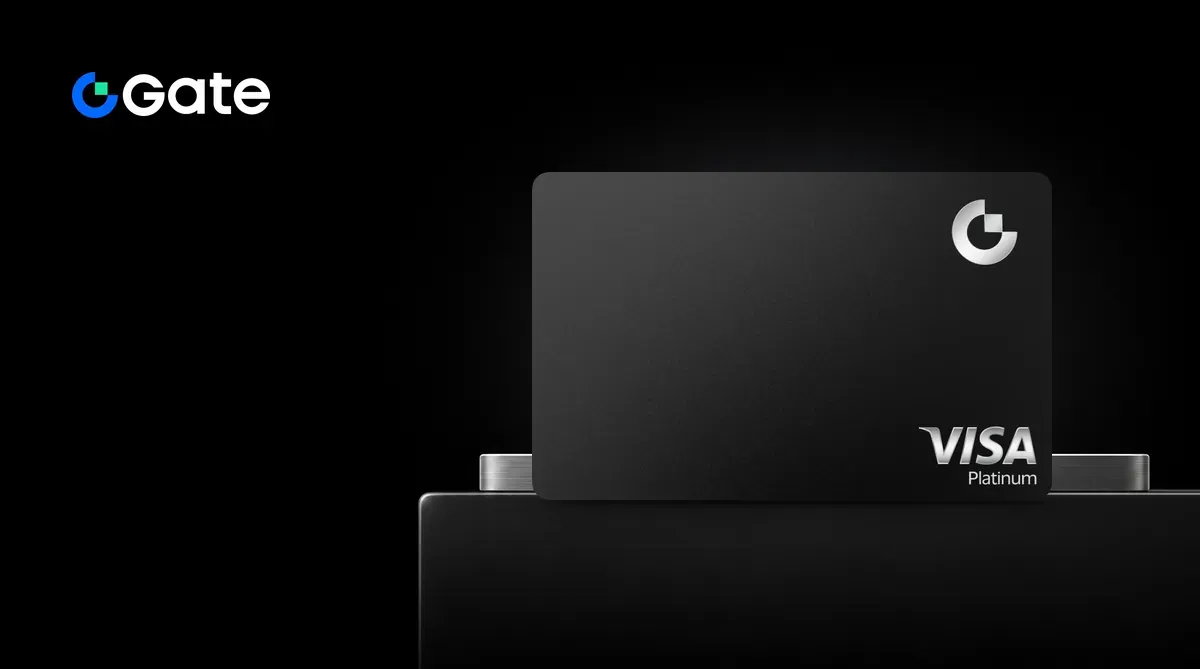
Gate Card is a Visa debit card issued by Gate and linked to your Gate account. Purchases use assets in your account, and rewards are paid in Gate Points. New cardholders below VIP 5 start at T0. Fees and risks are covered below in What to know before applying.
What is Gate? Company background
Gate was founded in 2013 by Dr. Han, who is its founder and CEO. On May 19, 2025, the official domain changed from Gate.io to Gate.com.
An official announcement on October 8, 2026 said Gate serves more than 61 million users and supports over 5,300 crypto assets and more than 12,800 stock assets. An official announcement in September 2026 stated that as of August 19, 2026, the platform held $8.215 billion in reserves, with a reserve ratio of 127%.
The current version of Gate Card launched on March 4, 2026. It runs on the Visa network, and the product page describes it as a crypto debit card. An official help page still calls it a Visa credit card, but it has no credit line: spending comes from the balance in your Gate account.
The account is custodial: card purchases are deducted from your Gate Pay or Gate account balance, and Gate holds the assets.
Gate Card rewards: T0 to T5
Your tier is determined by your Gate VIP level or your card spending in the previous month, whichever is higher. A new tier takes effect the following month and stays in effect for that whole month. New cardholders who are below VIP 5 start at T0. There is no separate card fee or subscription fee to qualify for a tier.
Rewards are paid in Gate Points; 100 points equal 1 USDT. Each tier has both a monthly points cap and a per-transaction points cap, so even a large purchase may earn only up to the per-transaction cap.
| Item | T0 | T1 | T2 | T3 | T4 | T5 |
|---|---|---|---|---|---|---|
| Qualification | VIP 0–4, or previous-month spending below $500 | VIP 5–7, or previous-month spending of at least $500 | VIP 8, or previous-month spending of at least $3,000 | VIP 9, or previous-month spending of at least $6,000 | VIP 10–12, or previous-month spending of at least $10,000 | VIP 13–14, or previous-month spending of at least $15,000 |
| Reward rate | 1% | 1% | 2% | 3% | 5% | 8% |
| Monthly points cap | 500 points (about 5 USDT) | 5,000 points (about 50 USDT) | 10,000 points (about 100 USDT) | 15,000 points (about 150 USDT) | 25,000 points (about 250 USDT) | 40,000 points (about 400 USDT) |
| Per-transaction points cap | 200 points (about 2 USDT) | 1,500 points (about 15 USDT) | 3,000 points (about 30 USDT) | 5,000 points (about 50 USDT) | 8,000 points (about 80 USDT) | 15,000 points (about 150 USDT) |
| Annual and monthly fees | Free | Free | Free | Free | Free | Free |
Points are credited after a transaction settles, usually within 2 to 3 days. They do not expire, and you can manually redeem from a minimum of 50 points. Purchases charged directly in fiat, non-purchase transactions such as fees and withdrawals, and transactions that are voided or refunded do not earn rewards.
For a full comparison, see Gate Card review and comparison.
Gate Card fees
These are the fees for the Standard Card; other Gate cards have different fees.
- Card opening: virtual card issuance is free.
- Annual fee, monthly fee, and inactivity fee: 0.
- Conversion fee: 0.90% for a transaction of $2 or more; below $2, a fixed $0.05 fee applies.
- Foreign currency fee: 1.00% on non-USD purchases; none on USD purchases.
- ATM withdrawal: 2%, physical card only.
- Chargeback: $30 per transaction.
- Card replacement: $25.
- Spending limits: T0 to T4 have a daily limit of $50,000 and a monthly limit of $990,000.
See Gate Card detailed fees for the full fee schedule.
What to know before applying
- Gate Card is a custodial service: your assets are held at Gate, not in your own wallet. Taiwan’s Virtual Currency Association has Gate.io on its warning list; assess the service for yourself before using it.
- T0 is capped at 500 points per month and 200 points per transaction, about 5 USDT and 2 USDT. To get the advertised maximum of 8%, you need at least $15,000 in card spending in the previous month or VIP 13–14.
- Non-USD purchases have an additional 1% foreign currency fee. See the fee section above for conversion fees and the small-transaction fee.
- Applying requires KYC Level 2 and identity documents. Some cards require proof of address issued within the past 3 months, and Gate may reject any application.
How to apply for Gate Card (where to enter the referral code)
Enter referral code PENCHANC on the Gate Card application screen; entering it only when registering for the exchange is not enough. Open the application through the referrer’s card link to have it filled in automatically, or enter it manually. Once you submit the application, the code cannot be changed or added later.
- Register for a Gate account using the link above.
- Complete KYC Level 2.
- Open Gate Card on the website or in the Gate Pay app, choose a card, select “Apply now,” and complete the verification steps.
- Check that the referral code field contains
PENCHANC. If it does not, enter it manually, then submit. - Once approved, activate the virtual card.
- Add the card to Apple Pay or Google Pay.