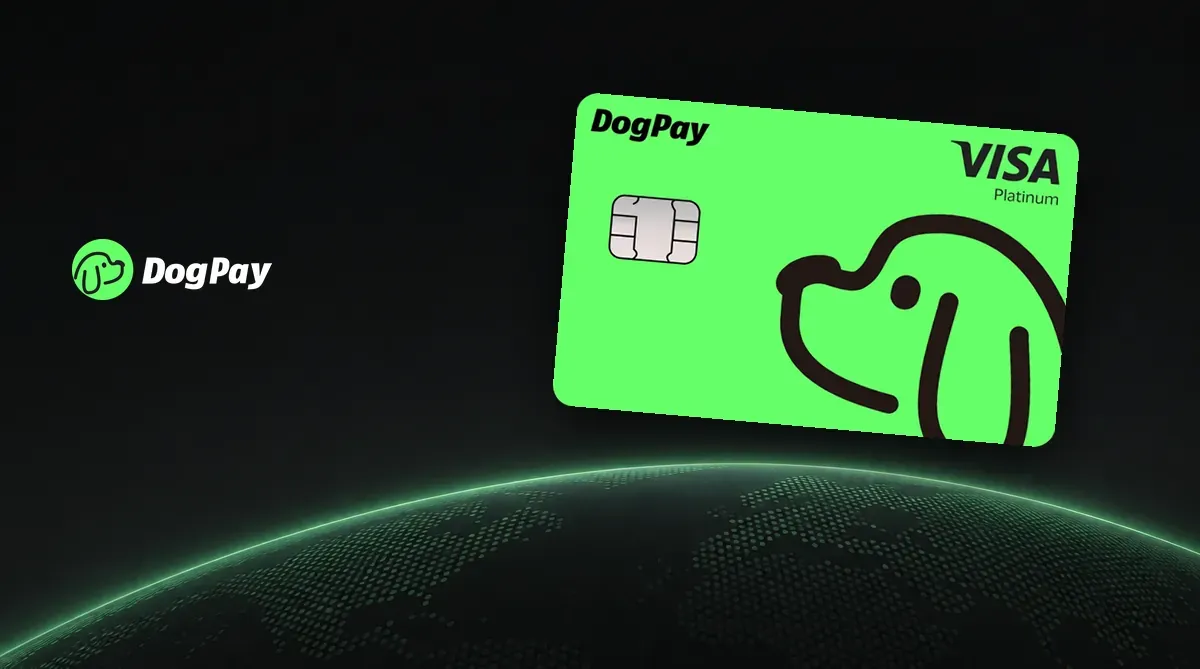
The DogPay Card is a Visa virtual card in the DogPay app, issued by DCS Card Centre in Singapore. Add funds with cryptocurrency and pay with the card. The activation fee is $10, and applicants from Taiwan can apply. To compare it with other cards, see the crypto card comparison. Fees and risks are outlined below in What to know before applying.
What is DogPay? Company background
DogPay describes itself as a fintech platform connecting stablecoin payments with global accounts and cards. It is developed by Pooltech Limited. The company says DogPay is not a bank, and accounts are reviewed and opened by the relevant financial institutions. Alongside the app, its product lines include receiving cross-border payments, USD accounts and business accounts.
The card is issued by DeCard by DCS and was launched with DogPay on 21 April 2026. DCS Card Centre Pte. Ltd., formerly Diners Club Singapore, is listed by the Monetary Authority of Singapore (MAS) as a credit and charge card provider.
This is a USD Visa virtual card issued by DCS, with a card number beginning 4413.
DogPay Card rewards and membership tiers
DogPay membership tiers are optional: Basic is free and granted automatically after KYC, while Premium, Platinum and Ultra are paid monthly. Your tier affects funding fees but not cross-border processing fees.
| Item | Basic | Premium | Platinum | Ultra |
|---|---|---|---|---|
| Monthly fee | Free | $4.90 | $9.90 | $29.90 |
| Card funding fee | 1% | 0.8% | 0.5% | 0.3% |
| DCS 4413 virtual card activation fee | $10 | — | — | — |
| Cards that can be active at the same time | 2 | 5 | 10 | 20 |
| Purchase rewards | — | — | — | — |
Each card funding transaction must be at least $10. The funding fee is charged separately at the rate shown above. Each person can apply for only one DCS card; the card counts in the table are DogPay-wide limits.
See DogPay review and comparison for a full comparison.
DogPay Card fees
- Activation: The virtual card activation fee is $10. The first funding transaction must be at least $10. The card is frozen by default and has no balance.
- Processing: For a merchant located outside Singapore, each transaction costs 1.5% + $0.30. Purchases at Taiwan merchants and at overseas merchants charging in USD both count as cross-border; the fee is the same across membership tiers. For Singapore merchants, the fee is 1% + $0.30 per transaction.
- Exchange rate: DCS’s terms say foreign-currency transactions are converted at the DCS retail exchange rate and incur a foreign-currency conversion fee, so the actual cost is higher than the processing fee alone.
- Declined transactions: If a transaction fails because of insufficient balance, a frozen card, an incorrect card number or CVV, an expired card or a risk-control block, the fee is $0.50 per cross-border transaction or $0.20 per transaction at a Singapore merchant.
- Refunds: 2%; transaction reversals: 1%; dispute handling: $35.
- Daily spending limit: There is currently no daily spending limit.
What to know before applying
- Funds belong to DCS: Under DCS’s terms, money added to the card immediately becomes DCS property. DCS does not hold it in trust for you. The card’s spending limit is backed by its balance.
- The programme may end: DCS can terminate the programme. After receiving notice, you must submit a written request to recover your balance within 30 days; otherwise, it is considered forfeited.
- Inactivity fee: If you do not log in to the DogPay app for more than 90 days, DCS may charge an inactivity fee. An early termination fee may also apply if the card is terminated within 180 days of activation.
- The card is for personal use only and cannot be used for business payments.
How to apply for the DogPay Card (where to enter the invite code)
- Follow the referral link to create a DogPay account. The link automatically applies invite code
12791319. - Complete KYC: Take a live photo of your passport or residence permit with your camera, then complete facial verification. Finally, upload proof of an overseas address, such as a utility bill or bank statement showing your full name and address.
- In the app, tap “Deposit,” then choose a coin and network to get a deposit address. Supported coins include USDC, USDT, BTC, SOL, DOGE and ETH.
- Go to the Card page in the app, tap the card selector in the top right, and pay the $10 activation fee.
- Transfer funds to the card. The first transfer must be at least $10 to unfreeze the card.
You must also complete a separate application form for the DCS card, including your employment status, occupation, source of funds and intended use. Review takes about 1 to 3 business days.
Using the card in Taiwan
Taiwan is on DCS’s official list of supported locations, so applicants from Taiwan can apply. Applicants in Taiwan need a passport or residence permit and proof of an overseas address for KYC. The proof of address must be from one of the nine countries on the official list; an address from a country outside the list is not accepted for card issuance.
Purchases at merchants in Taiwan count as cross-border transactions and incur a processing fee of 1.5% + $0.30 per transaction, plus the exchange costs described above. See DogPay fees in detail for the fee breakdown. Cryptocurrency is first converted to USD in DogPay and then transferred to the card; card purchases are deducted from the card’s spending limit.
For other virtual cards that can be funded with USDT, see the Karta.io crypto card application guide and the RedotPay promo code and application guide.
