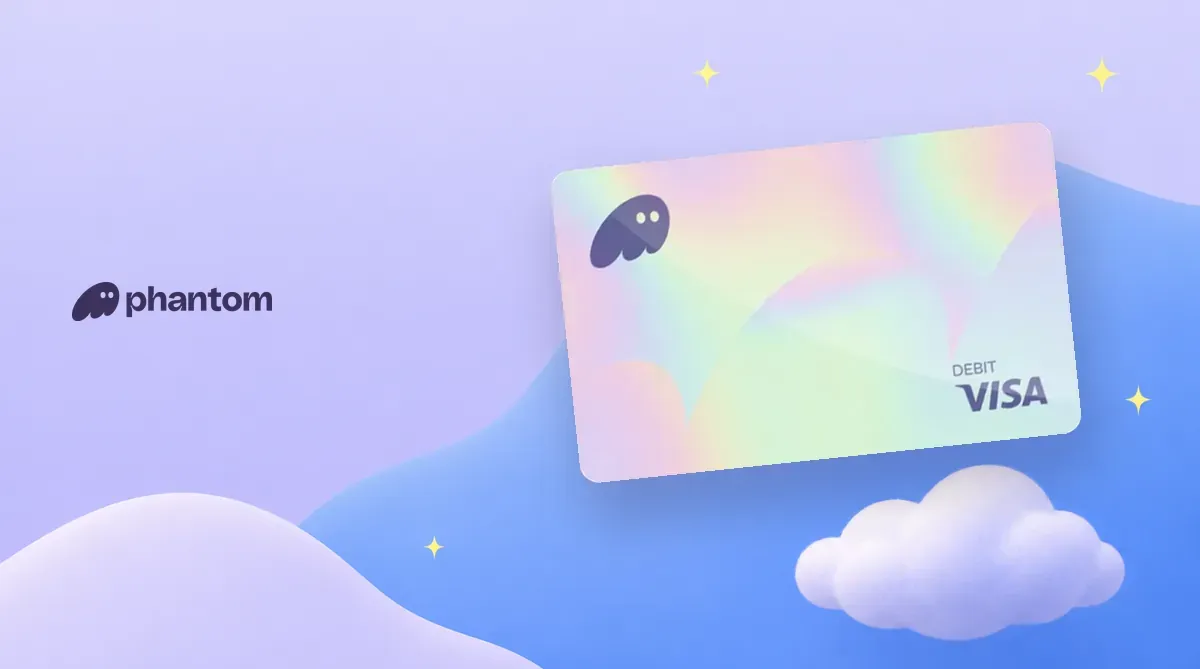
Phantom is a self-custodial, multichain wallet. In 2025, it launched Phantom Cash, which includes a US dollar stablecoin account in the wallet and a virtual Visa debit card. The card is available only in the US, except New York. Compare it with other cards in the crypto card comparison. Fees and risks are covered below in Know before applying.
What Is Phantom? Company Background
The team behind Phantom Technologies, Inc. was founded in January 2021 to build a self-custodial, multichain wallet. In January 2022, the company raised a $109 million Series B led by Paradigm. In January 2025, it raised a $150 million Series C co-led by Sequoia Capital and Paradigm. Phantom said in January 2025 that it had 15 million monthly active users.
The current CEO is Brandon Millman. In September 2025, Phantom announced Phantom Cash, bringing everyday payments into the wallet.
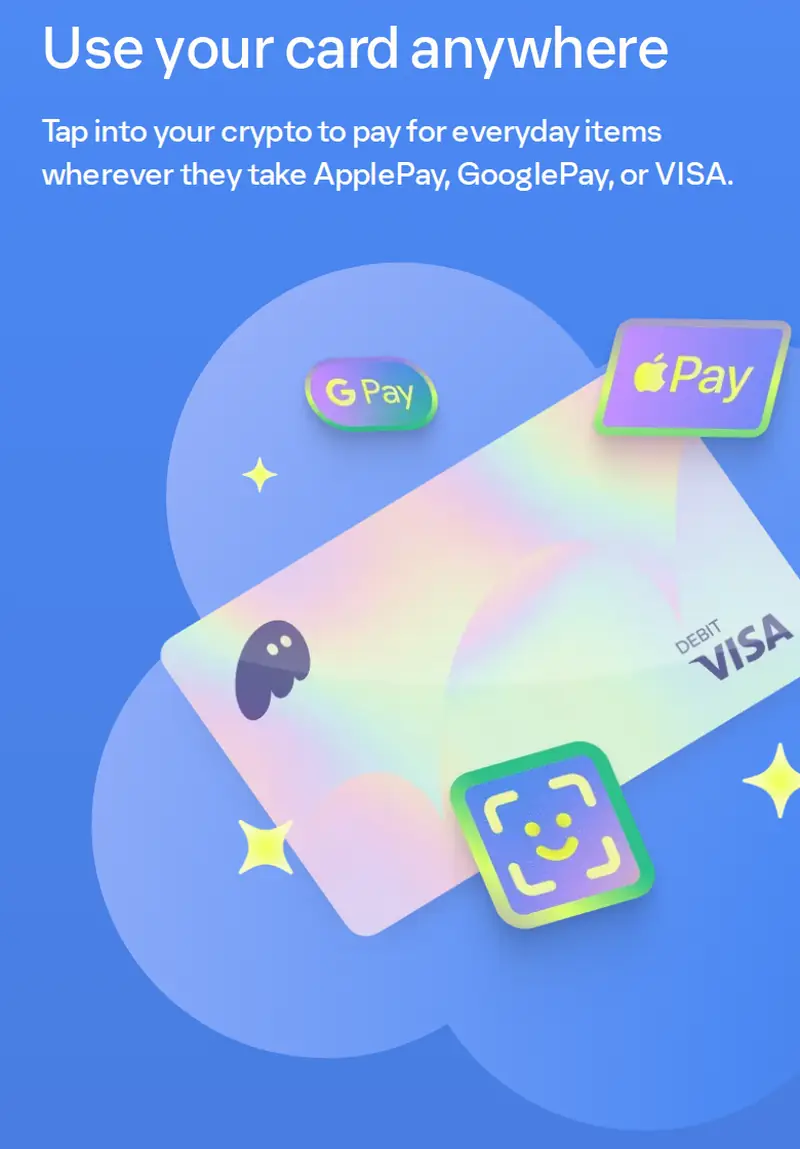
Phantom Card Rewards and Specs
This is a prepaid virtual Visa card, which Phantom calls a debit card; it is not a credit card. The Cash account is a self-custodial wallet on Solana. Phantom, Stripe, and its partners cannot access your funds. When you pay, Stripe converts CASH to US dollars.
| Item | Phantom debit card |
|---|---|
| Spending rewards | None |
| Annual fee | — |
| Virtual card issuance | Free |
| Physical card | None; virtual card only |
| Purchases at US merchants | Free |
| Purchases at merchants outside the US | — |
| ATM withdrawals | Not supported |
| Daily spending limit | US$2,000 |
| Eligible region | US (except New York) |
After the account is 30 days old and has 30 days of transaction history, the system may automatically assess an increase to the daily US$2,000 limit, up to US$5,000. Money-transfer transactions such as Cash App, Apple Cash, and Venmo are capped at US$500 per week. Gambling, crypto purchases, gift card reloads, cash advances, and ATM withdrawals are not supported. No PIN is set by default.
See the Phantom review and comparison for a full comparison.
Phantom Card Fees and Funding
- Issuance: The virtual card is free. There is no card loading fee; CASH is deducted when you make a purchase.
- Funding: Swapping USDC, USDT, USDG, or PYUSD on Solana into CASH is free. Direct transfers to a Cash address accept only USDC, USDT, and PYUSD; other tokens may cause problems.
- Other tokens: Swapping into or out of tokens other than USDC costs 0.85%.
- Withdrawals: Swapping Cash back to USDC and withdrawing to your main wallet are free.
- Solana account setup fee: A fee applies when sending to a wallet that has never held CASH or whose CASH balance has been fully emptied. This is a network fee that varies with the SOL price, not a Phantom fee.
The Cash account is available only in the Phantom mobile app. See Phantom fees in detail for the full list.
Know Before Applying
- Funds are not covered by FDIC deposit insurance.
- Starting October 5, 2026, Phantom is switching its card issuer from Bridge to Stripe. Existing cards are being replaced automatically in batches. The card number changes and the old card stops working; update saved merchant and subscription details yourself. Your old PIN will not carry over.
- Authorization holds usually clear within 24 to 48 hours but can last up to 30 days or longer at some hotels. Phantom recommends keeping at least 20% more than the expected bill in your balance.
- Disputes must be filed within 60 days of learning of the transaction.
How to Apply for the Phantom Card (Where to Enter the Referral Code)
These are the official steps for US residents. Applicants must be at least 18 and verify a government-issued ID and SSN through Stripe’s Link.
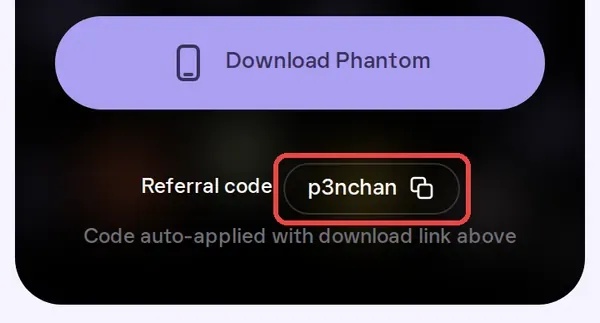
Download the app from the referral link. The page will show “Referral code p3nchan,” meaning the code has been applied automatically. The code can only be entered during sign-up and cannot be added later.
- Set up a Phantom username in the mobile app; this also creates a Cash account.
- Go to Profile > Manage > Verify my profile and verify your identity through Link.
- Go back to Home > Cash. When you see “Your card is ready,” confirm your details and accept the terms. This prompt expires after 24 hours; skipping it means the card will not be created.
- Fund Cash, then add the card to Apple Wallet or Google Wallet.
You do not need KYC to use the Phantom wallet or its onchain Cash account. Identity verification is required for bank transfers, US ACH direct deposits, and the debit card.
Using Phantom Cash Outside the US
Applicants for the card must verify with an SSN; ITINs are not accepted. In Taiwan, JKOPay cannot be linked because it accepts cards only from domestic partner banks.
The Cash account is available worldwide. You can hold CASH in the Phantom wallet and swap stablecoins on Solana into it for free. If you want a stablecoin Visa card available in Taiwan, see the KAST card application guide. For a self-custodial multichain wallet, see the OKX Web3 wallet guide.
