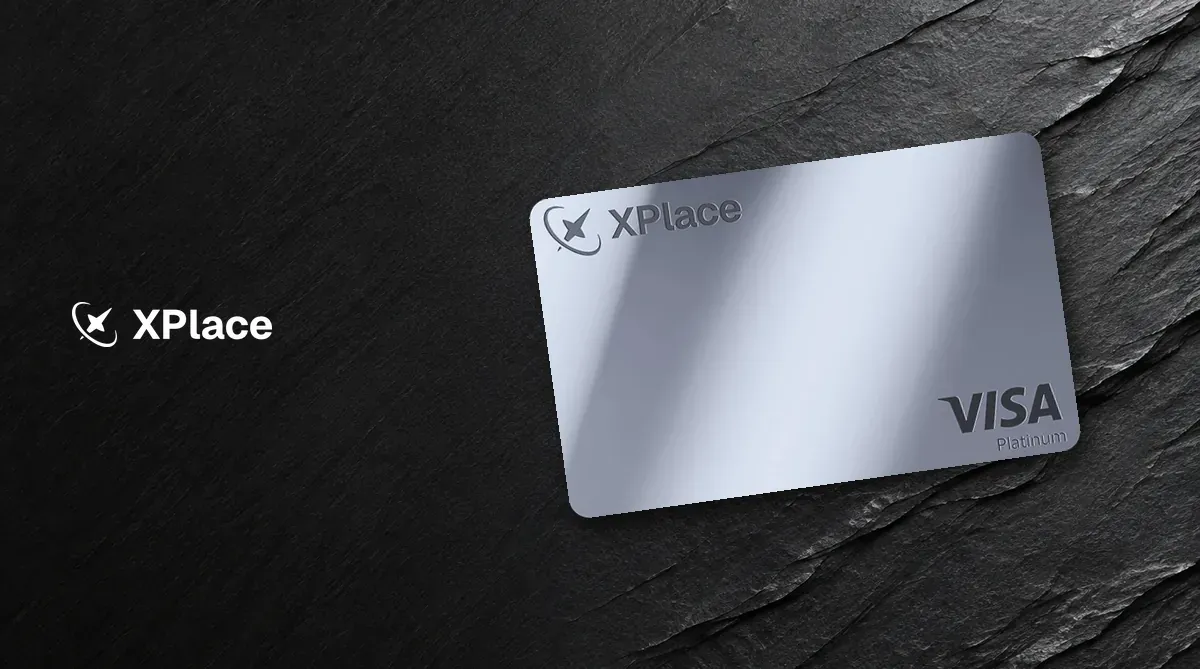
XPlace is a Visa card that places crypto assets as collateral in Kamino Finance and borrows USDC for purchases, so you do not have to sell your crypto first. Rewards go up to 2%, but apply only in borrowing mode, which charges interest. Fees and risks are covered below in What to know before applying.
What is XPlace? Company background
XPlace is operated by Pontech Group L.L.C-FZ, registered in Meydan Free Zone in Dubai, UAE. Its website describes it as a technology company, not a bank, licensed lender, or investment company, and says it does not custody customer assets. The card is a Visa card issued by Third National. Signify Holdings (brand name Rain) manages the card program. Borrowing is handled by the Kamino protocol; XPlace is not the lender.
The card has two modes, which you can switch between in the app at any time:
- Credit Mode: Purchases borrow USDC from your credit line. Collateral is held in Kamino Finance smart contracts on Solana and continues to earn variable yield while deposited. Supported collateral and loan-to-value (LTV) ratios are USDT 80%, ETH (wETH) 70%, BTC (cbBTC) 70%, SOL 65%, and jitoSOL 50%.
- Cash Mode: Spend the USDC balance you added to the card directly. Rewards are 0%.
Credit Mode has no fixed repayment date, and you can repay at any time. In the app, you can freeze or unfreeze the card instantly and set daily, weekly, and monthly spending limits.

For a full comparison, see XPlace Card review and comparison, or compare it with other cards in the crypto card comparison. For background, read What is DeFi?.
XPlace rewards: four tiers, Credit Mode only
You buy a tier through an annual membership fee; it is not unlocked by spending or referrals. The table below applies only to interest-bearing Credit Mode purchases backed by collateral. Cash Mode earns 0% at every tier.
| Item | Basic | Silver | Gold | Platinum |
|---|---|---|---|---|
| Annual membership fee | Free | US$99 | US$249 | US$999 |
| Credit Mode rewards (USDC) | 0.5% | 1% | 1.5% | 2% |
| Monthly rewards cap | US$10 | US$40 | US$100 | US$250 |
| XPlace foreign currency fee | 1% | 0.5% | 0.25% | 0% |
| Bank transfer fee | 2% | 1.5% | 1% | 0.5% |
| In-app token swap fee | 1% | 0.9% | 0.7% | 0.5% |
The monthly cap is the amount of rewards you can earn, not the amount you can spend. Rewards are paid in USDC, not XP points. XP is a non-monetary points system; the official terms say no token has been issued and there is no TGE date.
Cash and ATM transactions, money transfers and remittances, card top-ups, cryptocurrency, digital goods, securities, gambling, taxes, and some telecom and electronics merchant category codes (MCCs) do not earn rewards. See the official rewards page for the full MCC list.
XPlace fees and limits
- Annual fee: Basic has no annual fee. Paid tiers have the annual membership fees listed above.
- Card transaction fee: 0% at every tier.
- Foreign currency fee: For purchases in a non-base currency, XPlace’s own fee is listed in the table above.
- ATM: Not supported; ATM withdrawals are automatically declined.
- Apple Pay and Google Pay: Once the virtual card is issued, add it from the Card page in the app.
- JKoPay: Cannot be linked in Taiwan; JKoPay only accepts credit cards issued by domestic partner banks.
What to know before applying
- Credit Mode is an interest-bearing loan backed by collateral. If collateral prices fall, some collateral may be liquidated. XPlace cannot prevent liquidation by the protocol.
- The card’s collateral is held in the third-party Kamino Finance protocol, not solely in a wallet controlled by you. In April 2026, Drift, the Solana lending protocol then supporting Credit Mode, was hacked for about US$285 million. XPlace’s developer acknowledged user losses in an App Store reply. Credit Mode relaunched on Kamino on May 20.
- This card is intended for people outside the United States. The application terms require you to attest that you are not a U.S. citizen.
How to apply for XPlace (where to enter the referral code)
- Follow the referral link in this article (button above) to visit XPlace’s website, download the app, and sign up.
- Choose a tier (Basic, Silver, Gold, or Platinum).
- Complete KYC (identity verification).
- Set a 4-digit PIN. Your virtual card is created instantly.
- Add the card to Apple Pay or Google Pay.
- Deposit collateral to use Credit Mode, or add USDC to use Cash Mode. For the basics of stablecoins, see the stablecoin storage guide.
Using XPlace in Taiwan and Hong Kong
Taiwan and Hong Kong are not on the official list of 17 restricted countries and regions; mainland China and Vietnam are on the list.
Applicants in Taiwan use the Card Terms International. JKoPay cannot be linked, while Apple Pay and Google Pay can. Applicants must first pass KYC.