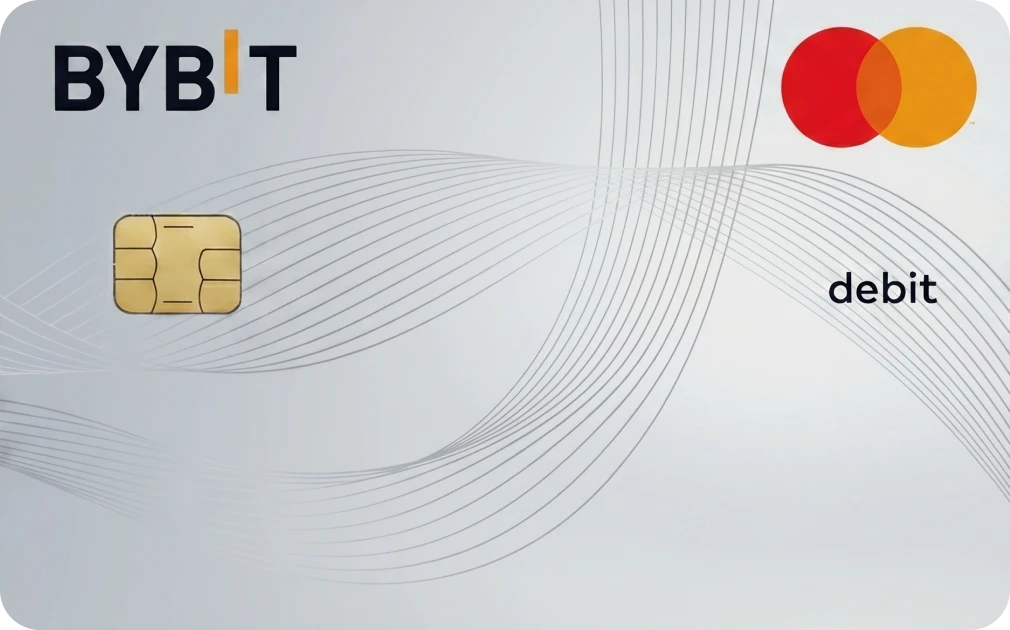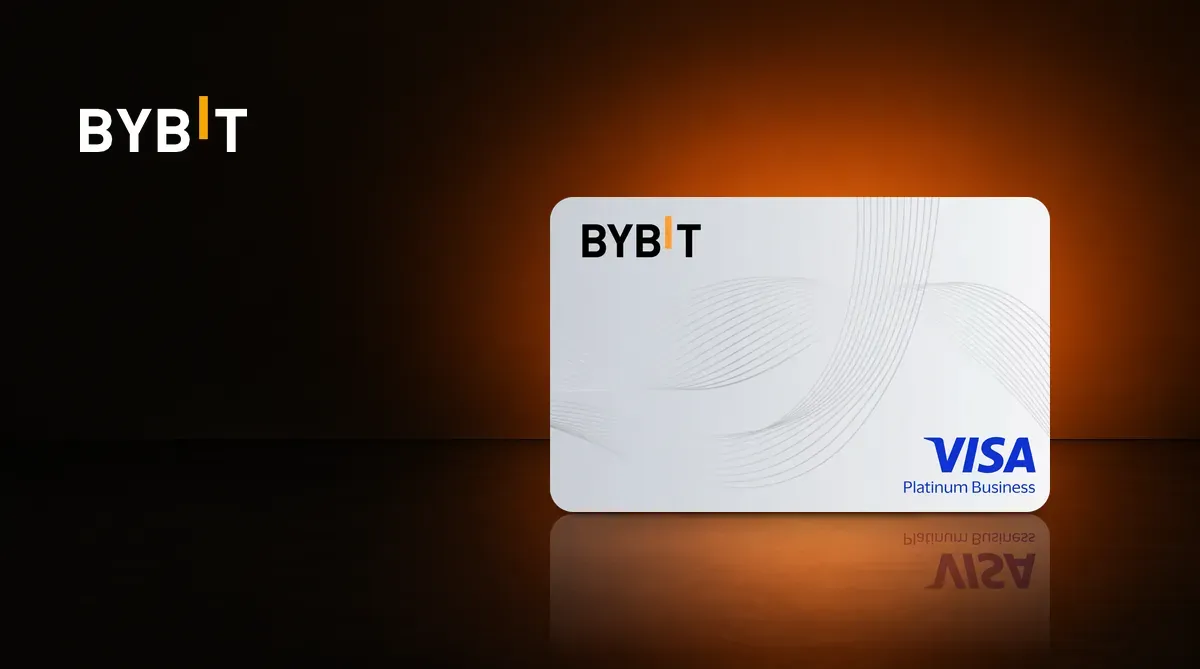
The Bybit Card is a Visa card issued by Bybit. The Asia Pacific version is denominated in USD, has no annual fee, and offers six reward tiers. Taiwan residents can apply, and your Bybit account needs enough funds to cover card purchases. To compare it with other cards, see crypto card comparison. Fees and risks are covered in Know Before Applying.
What Is the Bybit Card? Company Background
Bybit was founded in 2018; its co-founder and CEO is Ben Zhou. The company says its platform serves more than 80 million users in over 181 countries, with services spanning trading, payments, and traditional finance. In October 2026, it announced that more than 4 million Bybit Cards had been issued.
The card runs on the Visa network. Bybit’s terms call it a credit card issued through a partner. Funds in the Bybit account support card spending; the card has no separate balance, and Bybit holds the funds in custody.
The Asia Pacific card can draw on USD, BTC, ETH, XRP, USDT, USDC, and GRAM. The default spending order is USDT, USDC, GRAM, BTC, ETH, then XRP. You can change it in Card Dashboard under Paying With.
Bybit Card Rewards: Six Tiers
Rewards are paid in points; multiply points by 0.002 to get the USDT value. After a transaction completes, points remain pending for four calendar days before they can be redeemed in Rewards Market. Turn on Auto Cashback to claim them automatically.
Only crypto-funded purchases earn rewards. Purchases funded by fiat balances do not qualify.
Each tier is reached by meeting either its VIP-level requirement or monthly spending threshold. VIP users start at their VIP tier and do not drop below it; spend-based tiers remain valid through the end of the following month.
| Item | Base | Beta | Alpha | Apex | Omega | Infinite |
|---|---|---|---|---|---|---|
| Requirement (VIP level or monthly spend) | Default for non-VIP; no spend threshold | VIP 1–2 or $500 | VIP 3 or $3,500 | VIP 4 / PRO 1 or $9,500 | VIP 5 / PRO 2 or $12,500 | Supreme VIP / PRO 3–5 or $25,000 |
| Reward rate | 2% | 2% | 4% | 6% | 8% | 10% |
| Monthly reward cap | $5 | $50 | $150 | $250 | $400 | $600 |
| 100% subscription rewards | — | VIPs only | Yes | Yes | Yes | Yes |
The caps are reward amounts, converted from each tier’s points limit.
100% subscription rewards apply to ChatGPT Plus, Claude Pro, Netflix, Spotify, TradingView, Financial Times, Shahid, and iQIYI. Payment must be made with crypto on the merchant’s own website. App Store purchases, payment platforms, and resellers are excluded. These rewards count toward the tier’s monthly cap.
ATM withdrawals, fees, and refunds do not earn rewards.
For a full comparison, see Bybit review and comparison.
Bybit Card Fees
- Card issuance: The virtual card is currently free. The physical card costs 5 USDT; VIPs with an Asia Pacific physical card pay no issuance or replacement fee.
- Annual fee: None.
- TWD purchases: 2% foreign-currency fee, plus a 0.9% conversion fee when paying with crypto, including USDT and USDC, for a total of 2.9%.
- USD purchases: 0% foreign-currency fee; the 0.9% conversion fee still applies when paying with crypto.
- Paying from a USD fiat balance: TWD purchases incur only the 2% fee, but earn no rewards.
- ATM: The first $100 per month is free; withdrawals above that incur 2%. The ATM operator may charge separately.
See Bybit detailed fees for the full fee schedule.
Know Before Applying
- Bybit is a custodial service, so funds are held in an exchange account. In February 2025, hackers stole more than $1.4 billion from Bybit’s ETH cold wallet. Bybit said customer funds were unaffected and card service continued.
- On June 11, 2026, Taiwan’s Securities and Futures Bureau announced that Bybit had not completed the required anti-money-laundering registration with the Financial Supervisory Commission and could not provide virtual-asset services or solicit customers in Taiwan.
- Rewards apply only to crypto-funded purchases, and every tier has a monthly cap. TWD purchases cost about 2.9% in fees.
- Apple Pay is not supported for the Asia Pacific card.
How to Apply for the Bybit Card (Where to Enter the Referral Code)
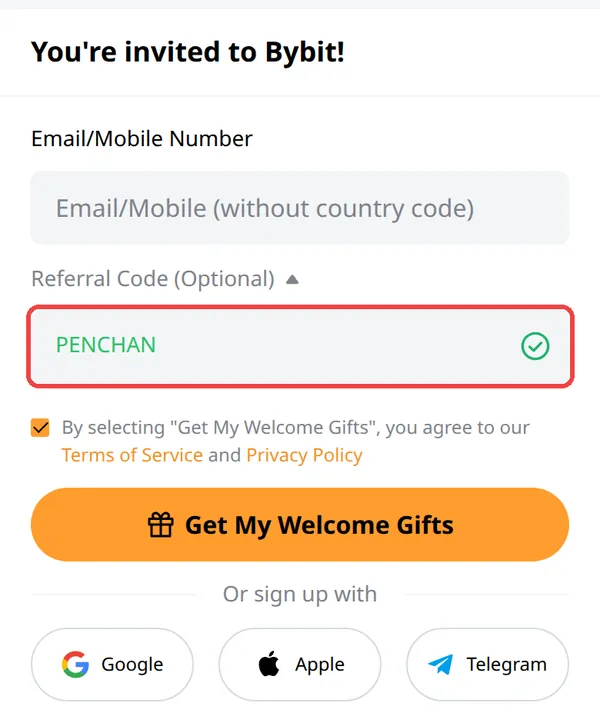
For signup and KYC details, see the Bybit signup guide.
- Sign up through the referral link and check that
PENCHANappears in the Referral Code field. If you miss it, the primary account can add it within 14 days, as long as no other code is registered. Only affiliate codes can be added this way, and the code cannot be changed afterward. On the website, go to Account → Account Info → Join an Affiliate’s Community. - In the app or on the website, select Finance → Card → Apply Now and choose your country of residence. Taiwan residents should select Taiwan.
- Complete the eligibility checks: identity and residential-address verification. Bybit accepts only physical ID documents issued by your country of residence; electronic and scanned copies are not accepted. Card KYC is stricter, so you may need to verify again even if your account is already verified.
- Confirm your email and phone number, set up Google 2FA, accept the terms, and submit. Review usually takes a few minutes and may take up to 7 business days. You will receive an email if approved.
- Add funds to your Funding Account. You can buy crypto or deposit it from another platform or wallet.
To get a physical card, first obtain a virtual card, pass address verification, and meet Spending Limit Level 2. Physical cards are being rolled out in batches; applicants who do not qualify are placed on a waitlist. Select Apply Now in the physical-card banner. The name on the card can have up to 21 English characters, the shipping address must be in the same country as the residential address, and you must set a four-digit PIN. Delivery can take up to about 30 days.
Using the Card in Taiwan
I (Little Penguin) tested the card with Taiwan identification and was able to apply and hold a Bybit Card. Google Pay works for everyday payments; Apple Pay is not supported, so the common search result “can’t add to Apple Pay” is expected. JKOPay cannot be linked either, because it accepts cards only from local partner banks.
TWD purchases incur 2.9%. To avoid the conversion fee, pay from a USD fiat balance, but that purchase earns no rewards. For physical-card ATM withdrawals, Level 1 cannot withdraw; Levels 2 and 3 allow up to 30 withdrawals and $10,000 per month.